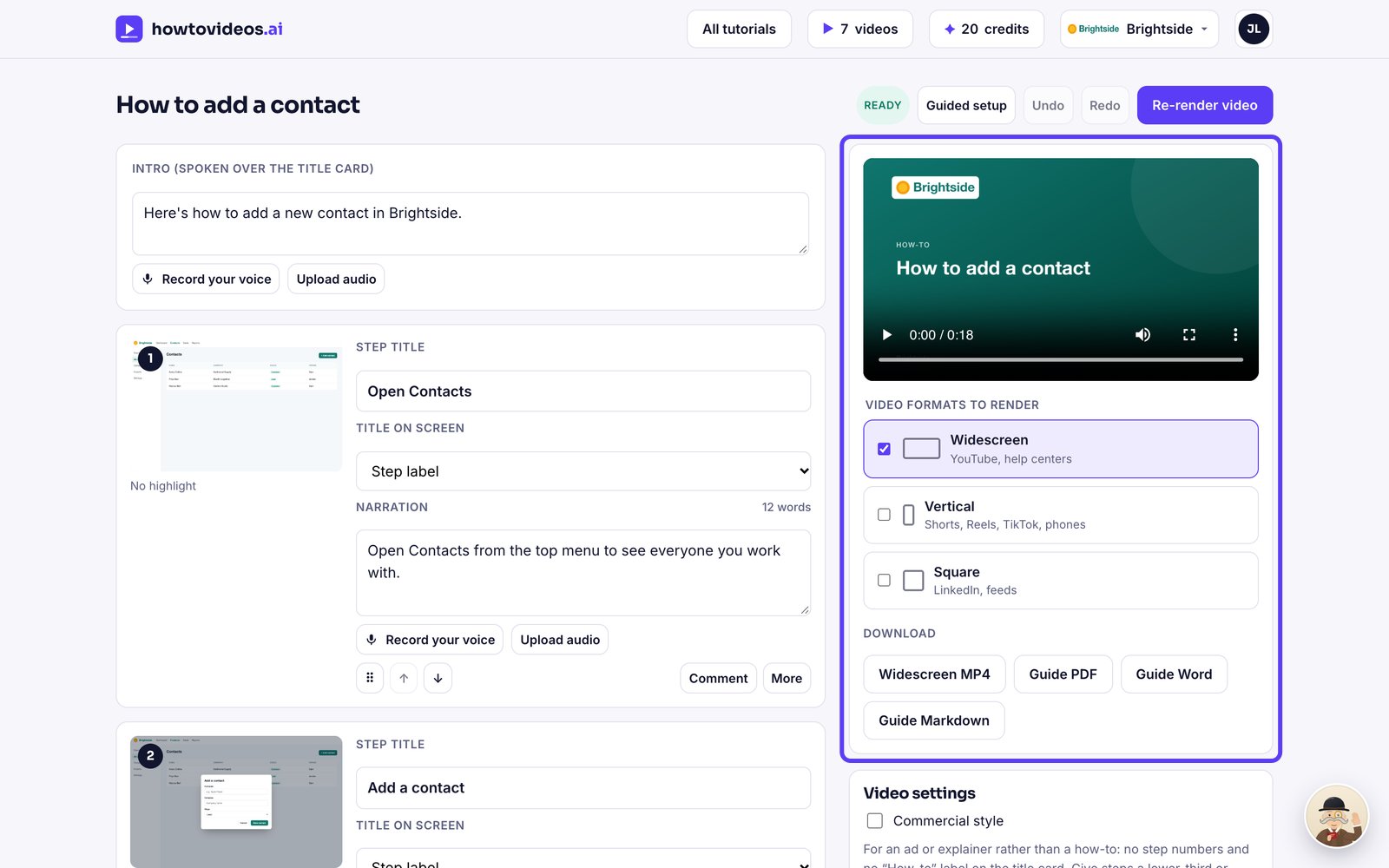
How to make a tutorial from a screen recording
Upload an MP4, MOV or WebM from any screen recorder and get a narrated how-to video and guide.
Step by step
6 steps to make a tutorial from a screen recording.
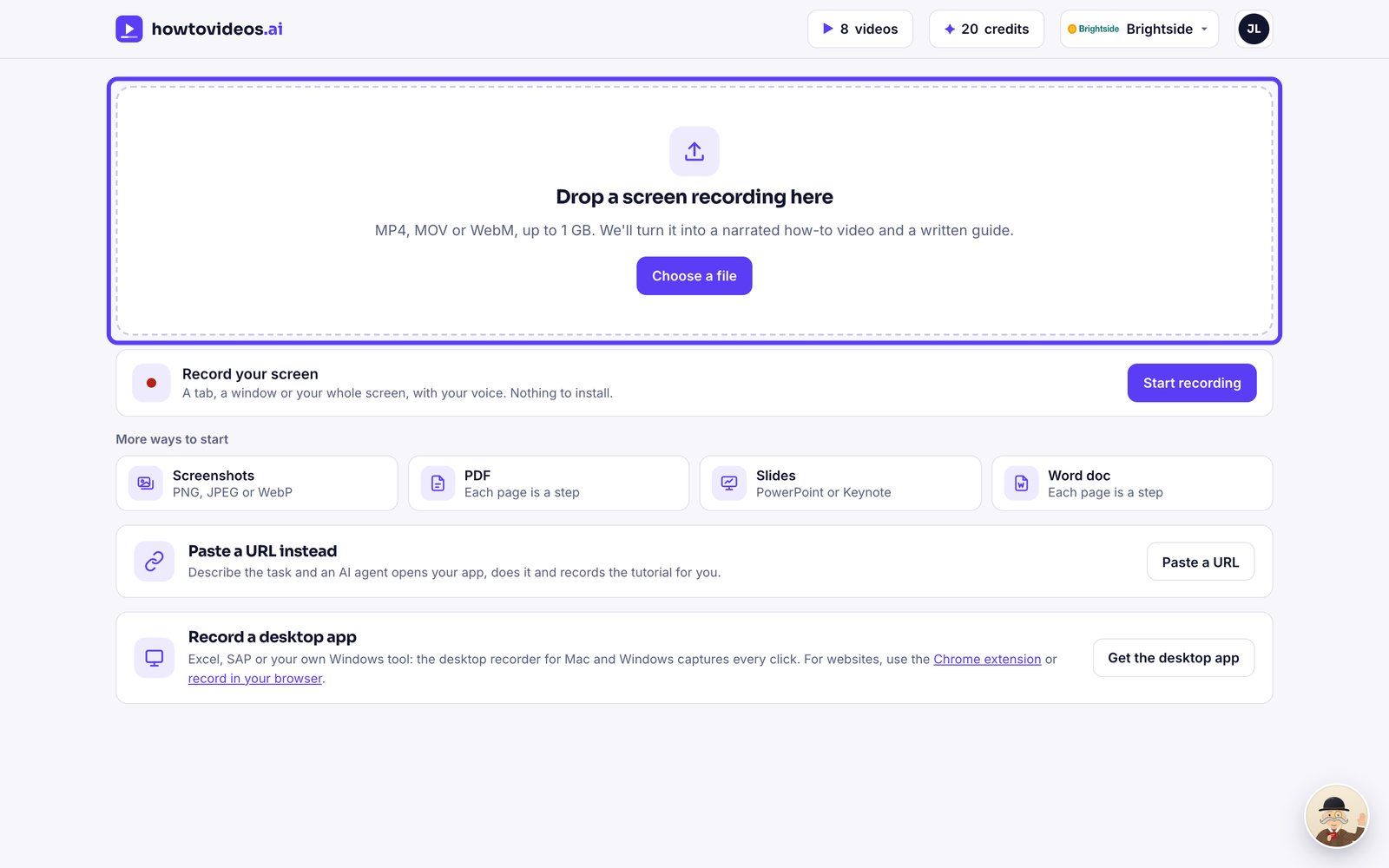
Drop in your recording
On your Tutorials page, drag a screen recording onto the upload area, or choose Choose a file. MP4, MOV and WebM files from any recorder work, up to 1 GB.
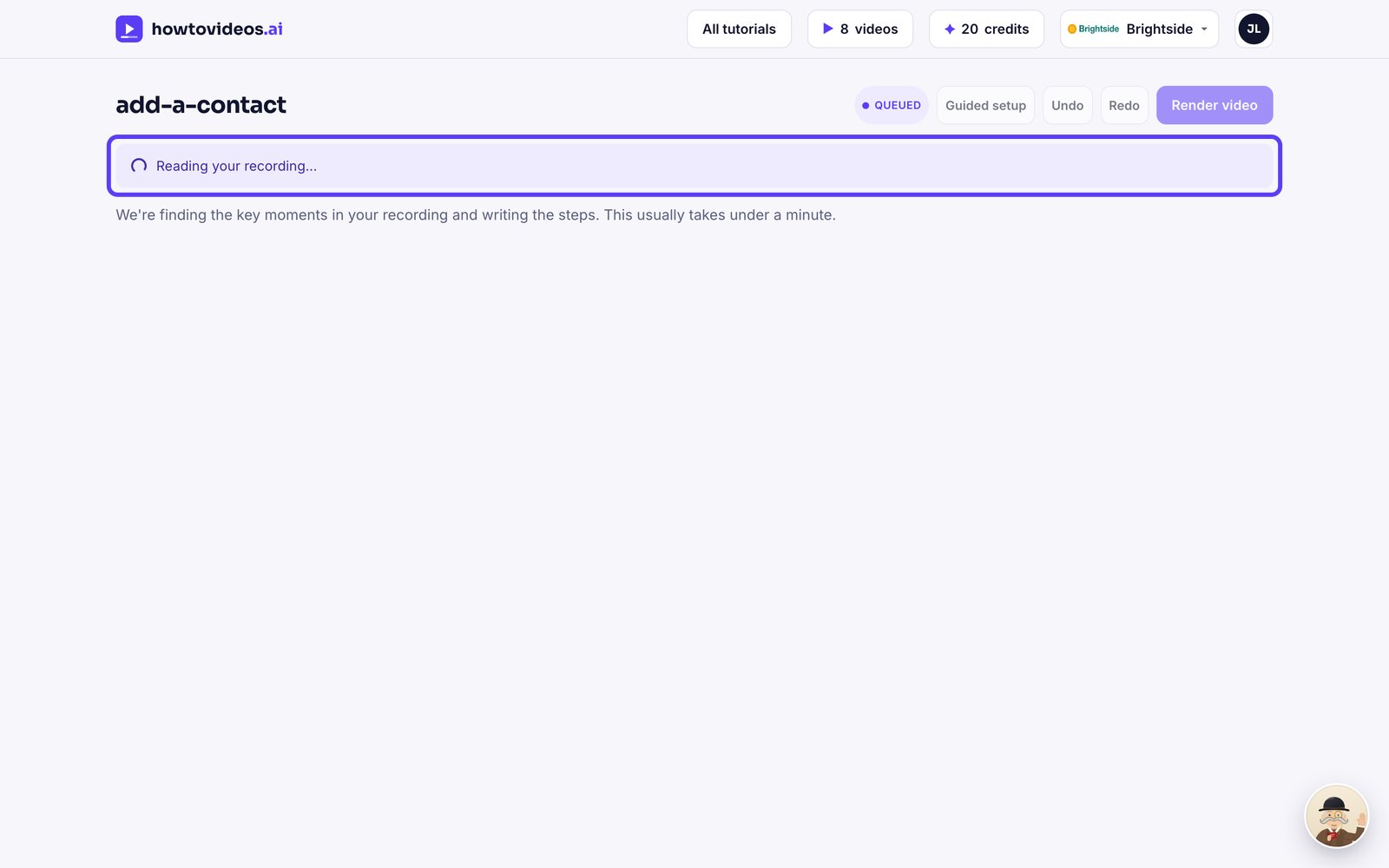
Let it read the recording
We find the key moments, then write the steps and the script for you. It usually takes under a minute.
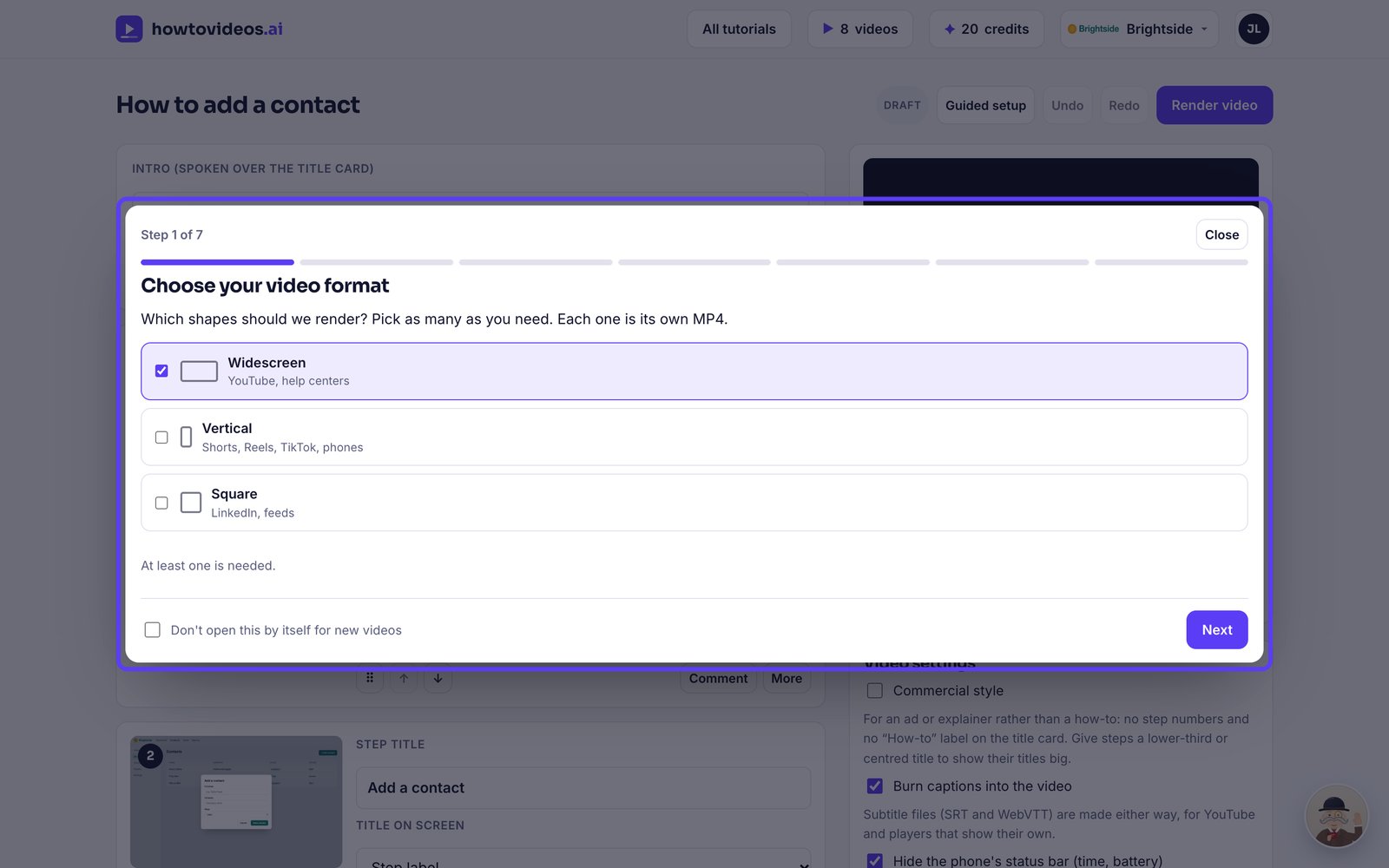
Choose the basics
A short guided setup opens first. Choose the video's shape, captions and cursor, or close it and set them later.
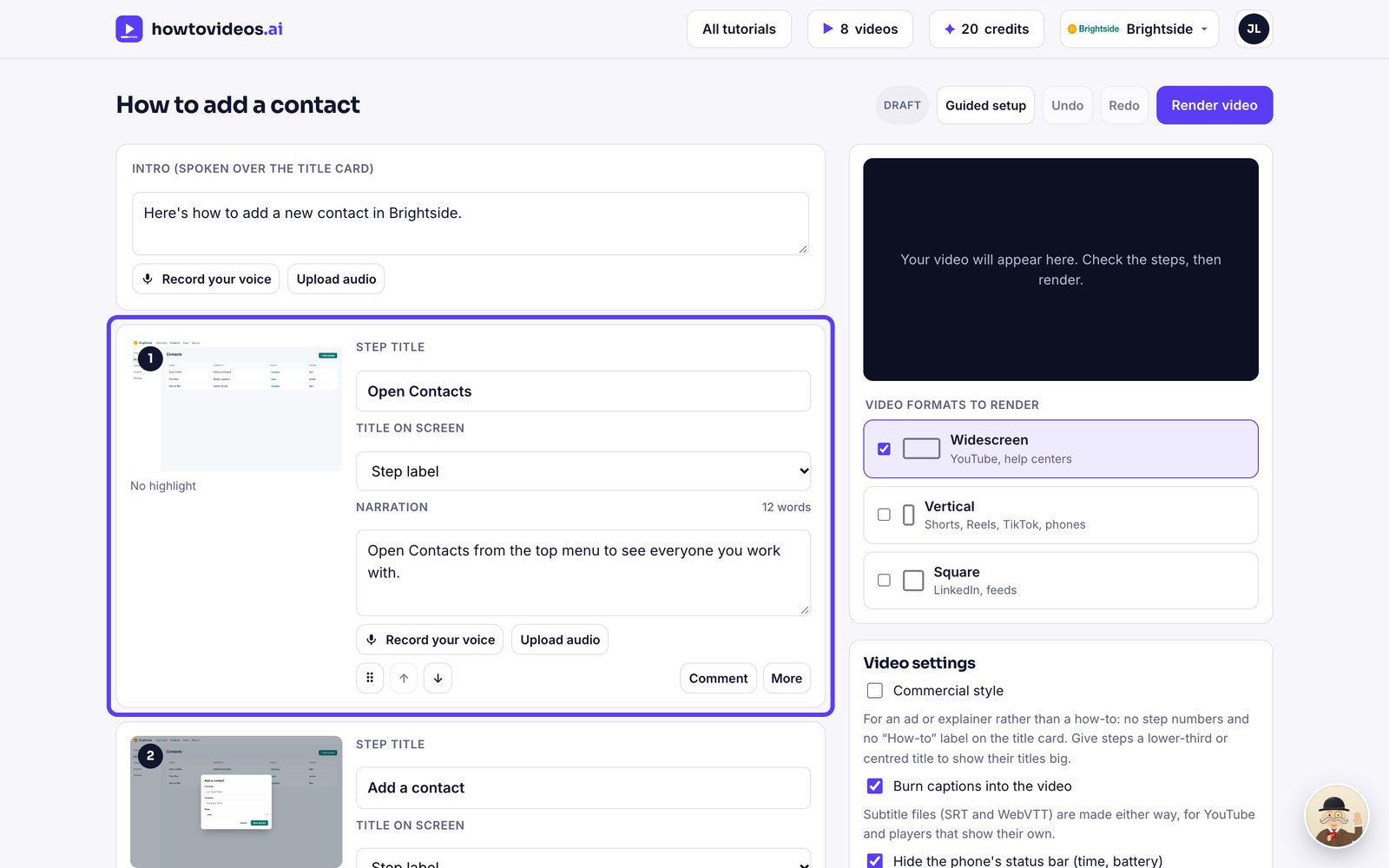
Check the steps
Each step has a screenshot, a title and the words the narrator will say. Change anything you like.
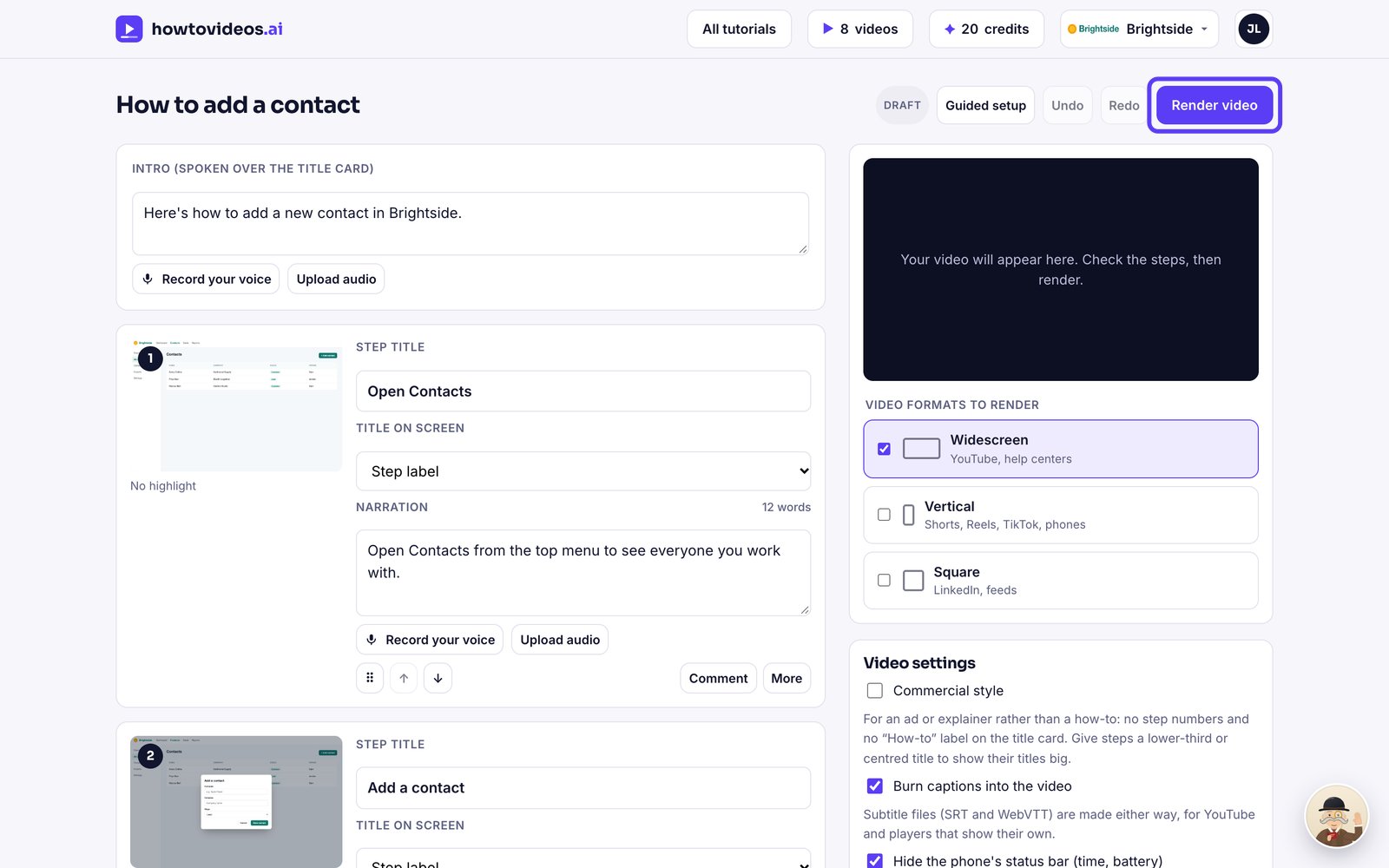
Render the video
When it reads well, choose Render video.
Download or share it
Your finished video plays right here. Download the MP4 and the written guide, or share a link.