How to record a tutorial from a URL
Paste a link, describe the task, and an AI agent does it in its own browser and records the tutorial.
Step by step
8 steps to record a tutorial from a URL.
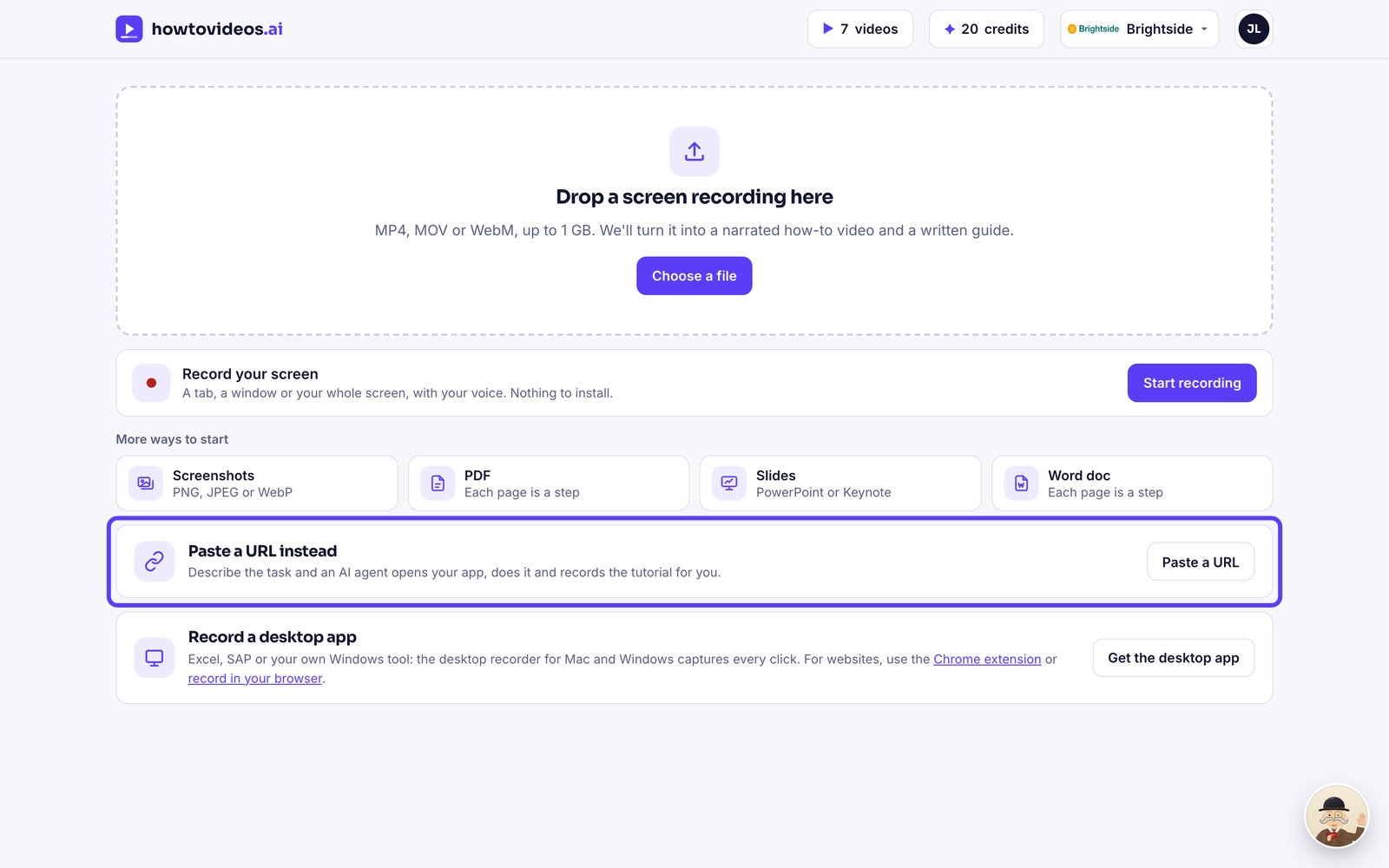
Choose Paste a URL
On your Tutorials page, choose Paste a URL. It's included with every video you buy.
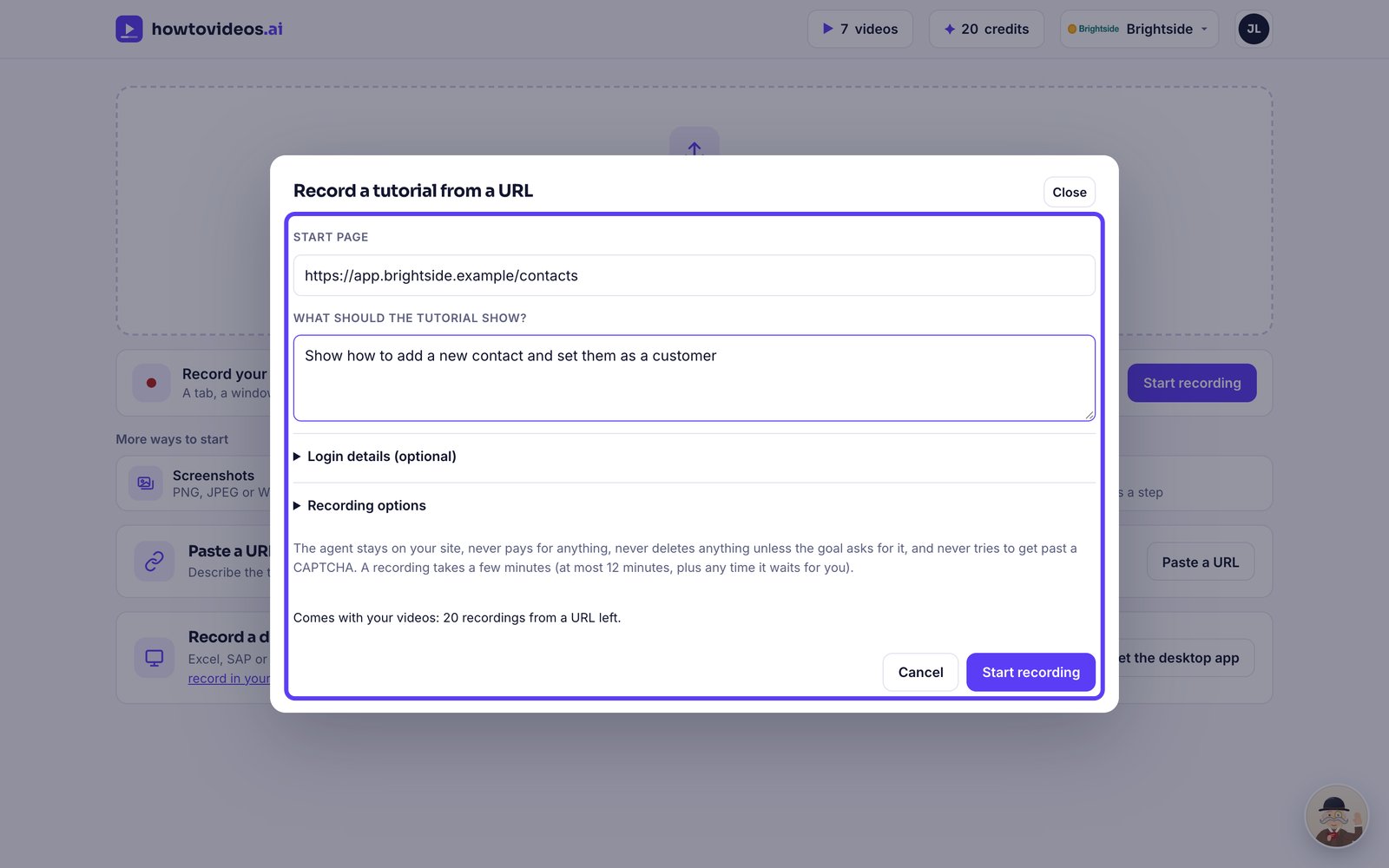
Say where and what
Type the page to start on, and describe in a sentence what the tutorial should show.
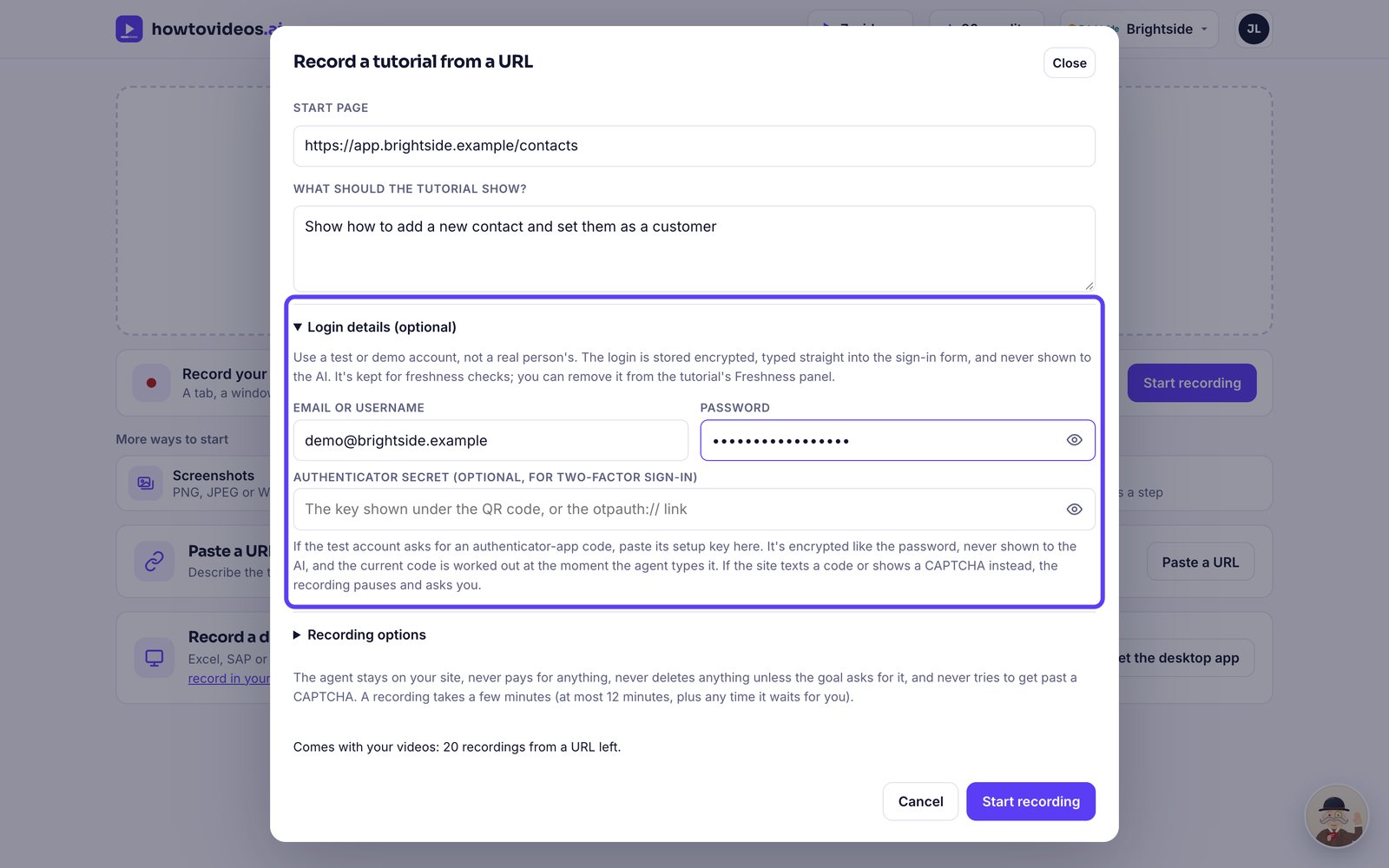
Add a test login if it needs one
If the page needs a login, add a test account under Login details. It's stored encrypted and never shown to the AI.
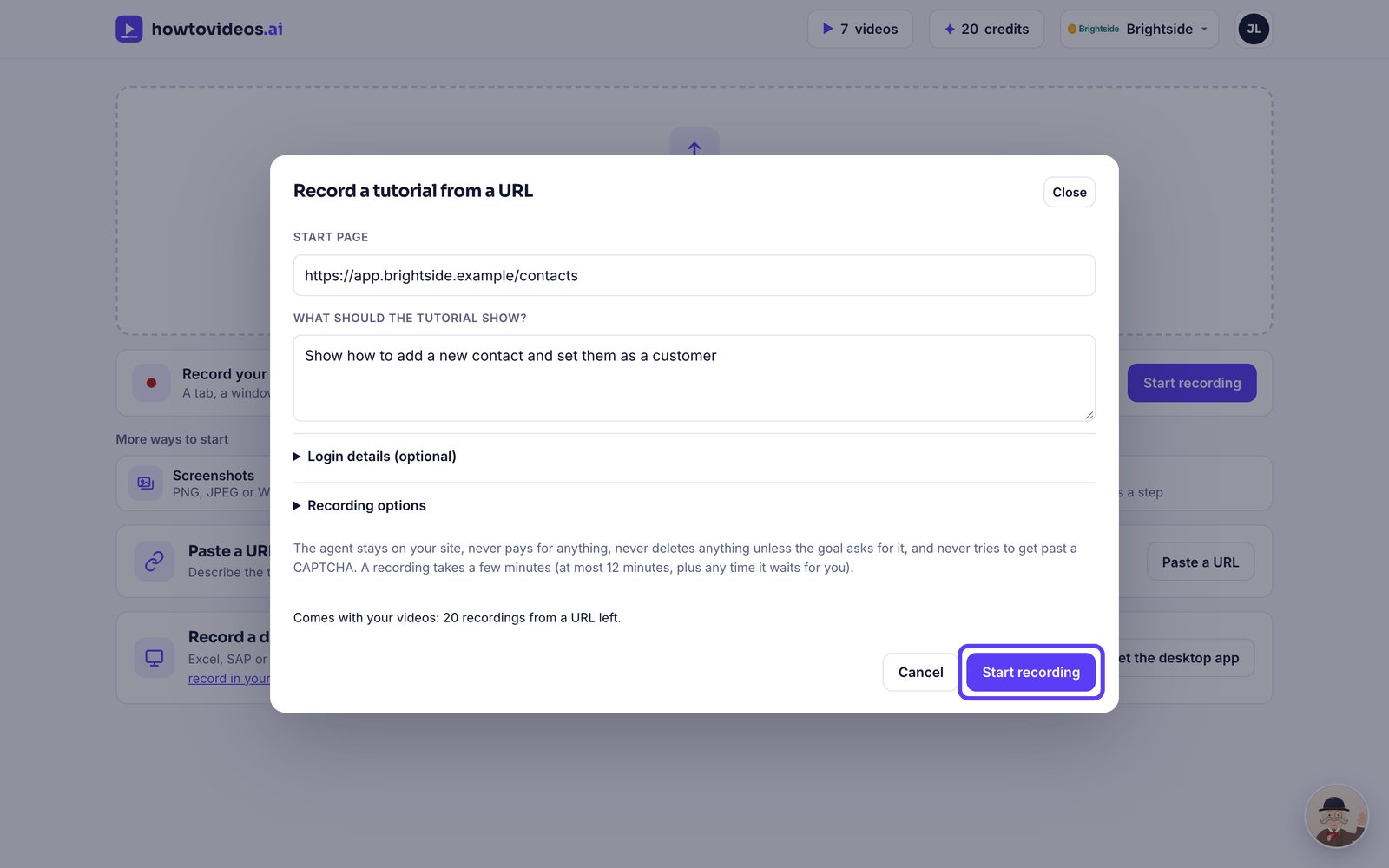
Start recording
Check how many recordings you have left, then choose Start recording.
Watch it work
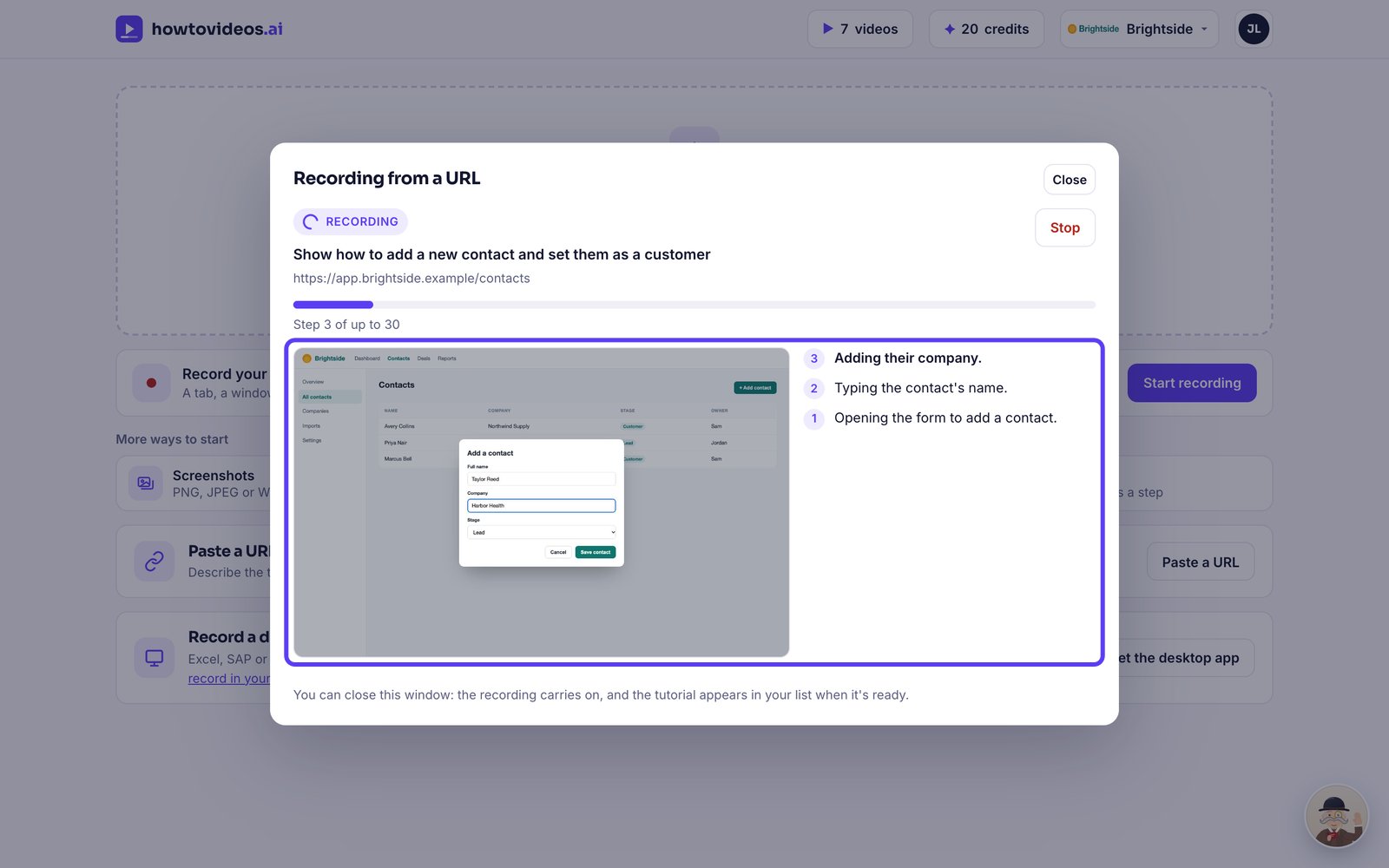
An AI agent opens the page in its own browser, does the task and records it, explaining each step. You can close this window: it carries on.
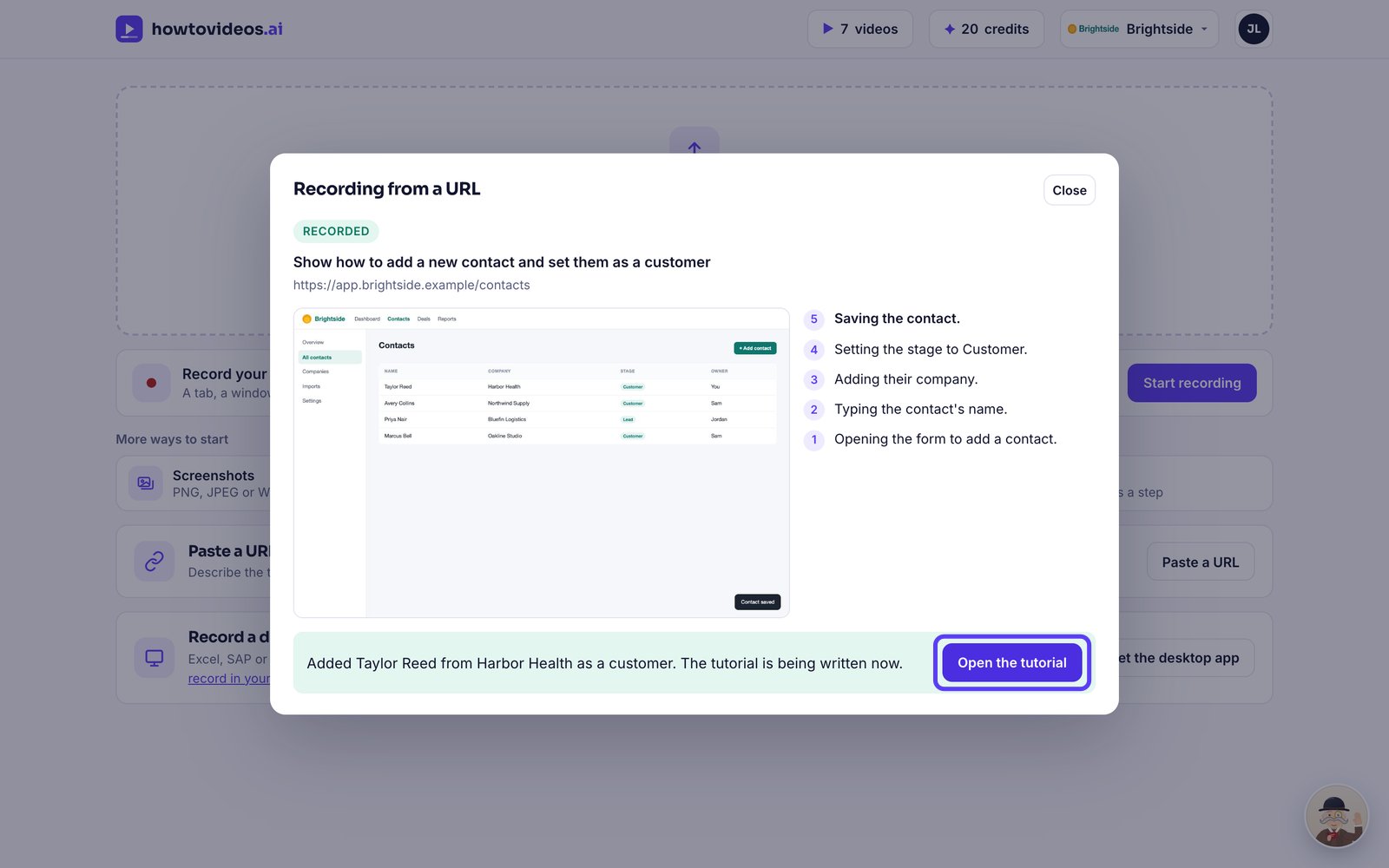
Open the tutorial
When it's finished, choose Open the tutorial.
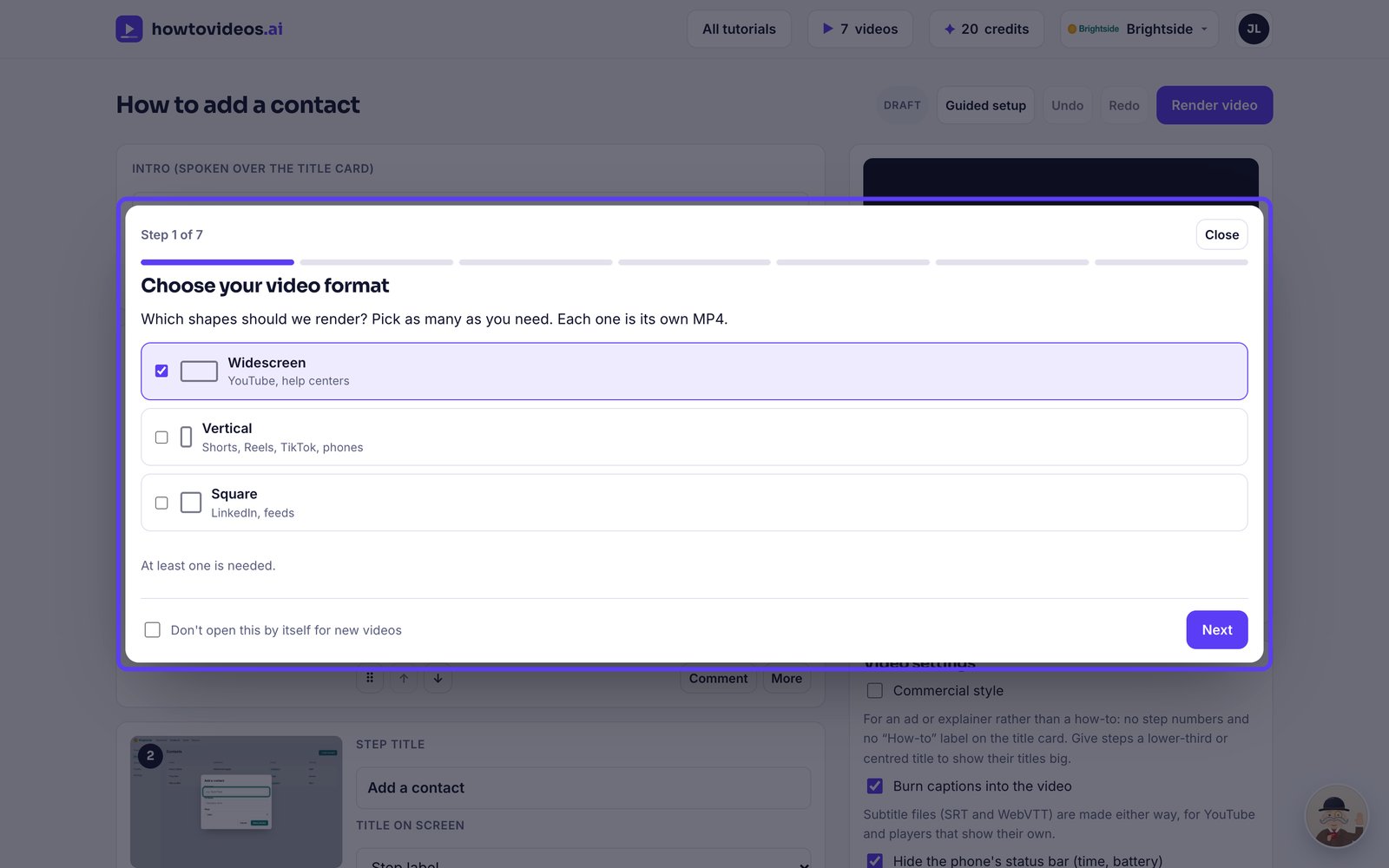
Choose the basics
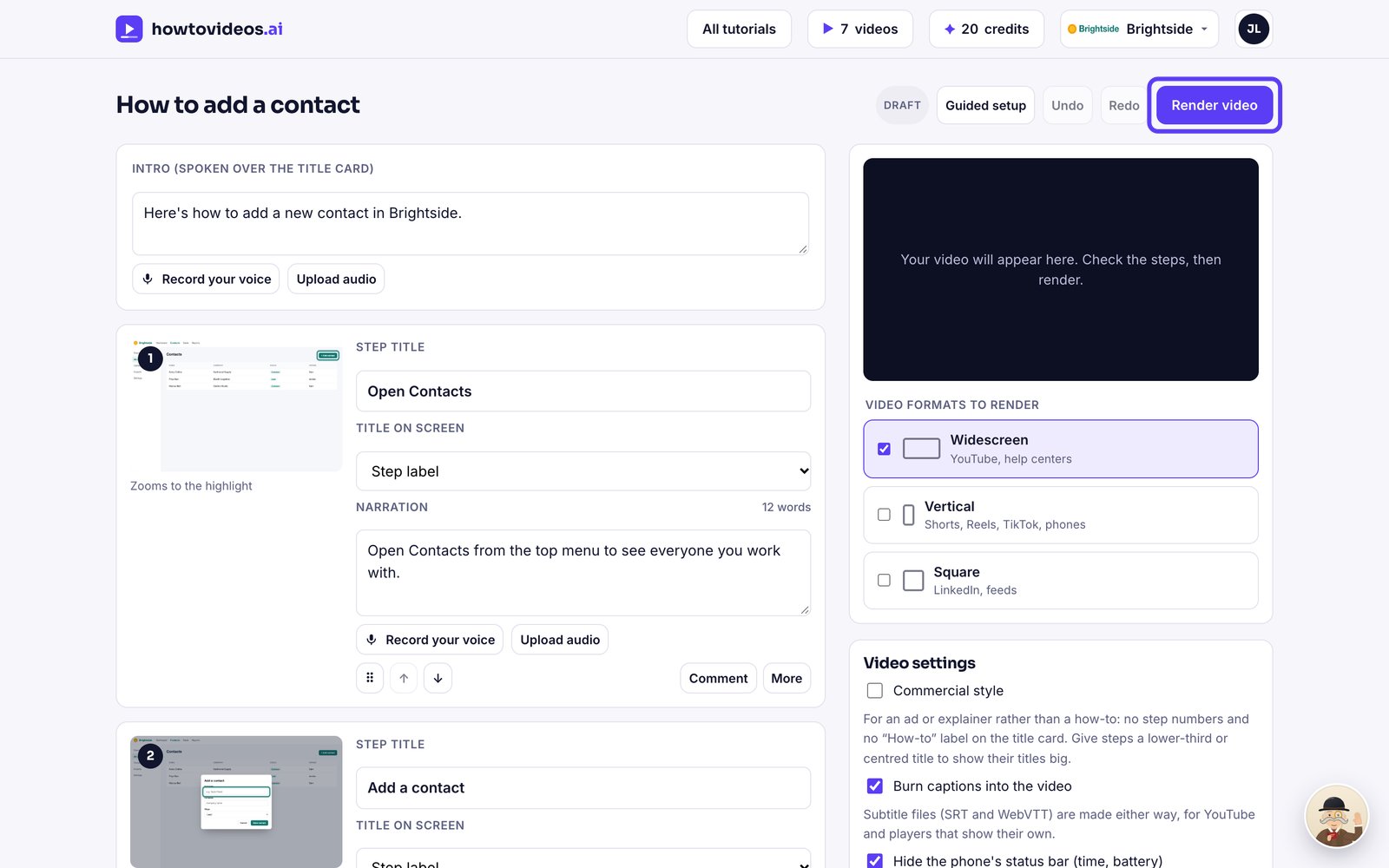
A short guided setup opens first. Choose the video's shape, captions and cursor, or close it and set them later.
Check it and render
The steps and script are written from what the agent did. Check them, then choose Render video.