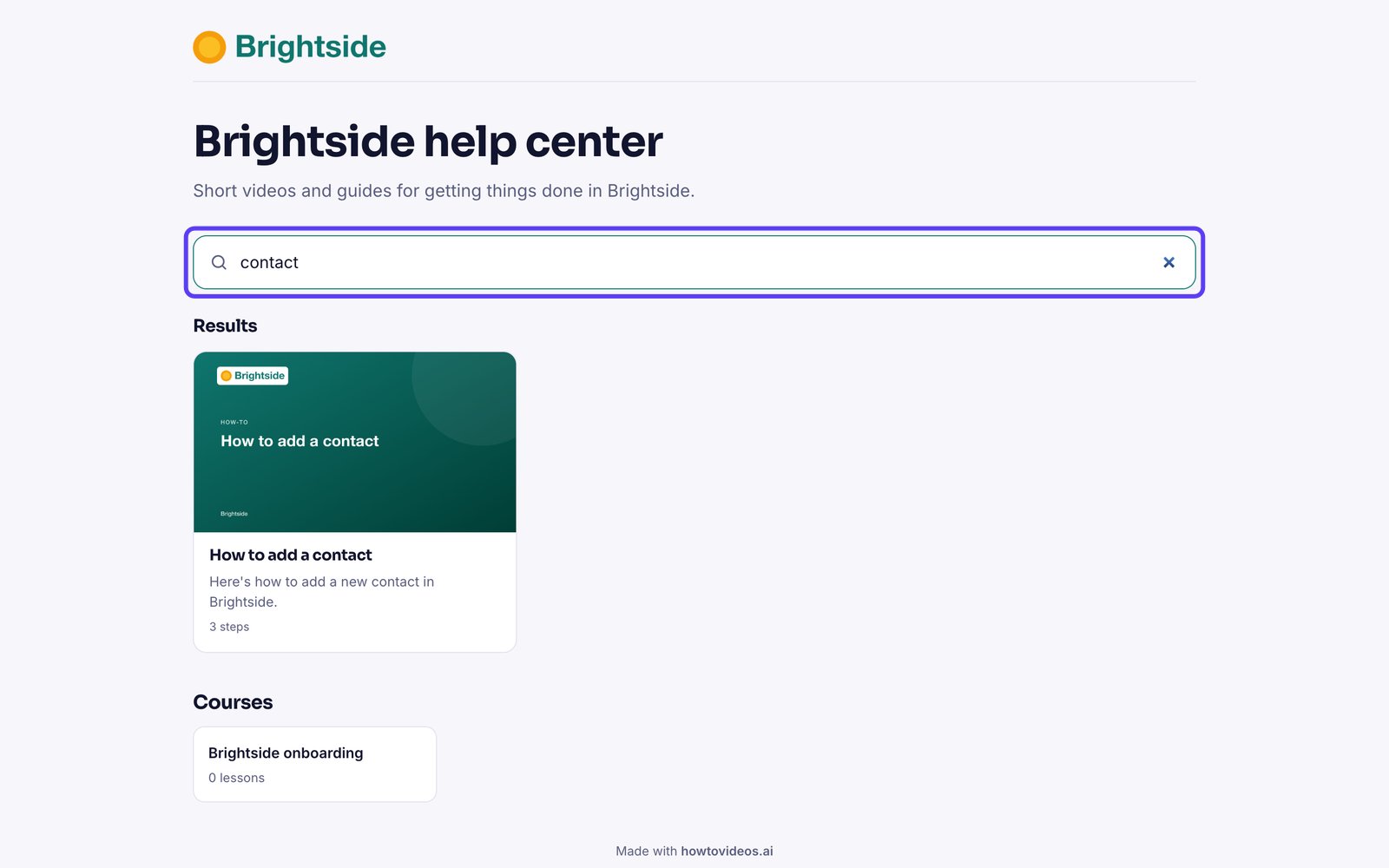
How to publish a help center
Give customers a branded, searchable library of your tutorials.
Step by step
4 steps to publish a help center.
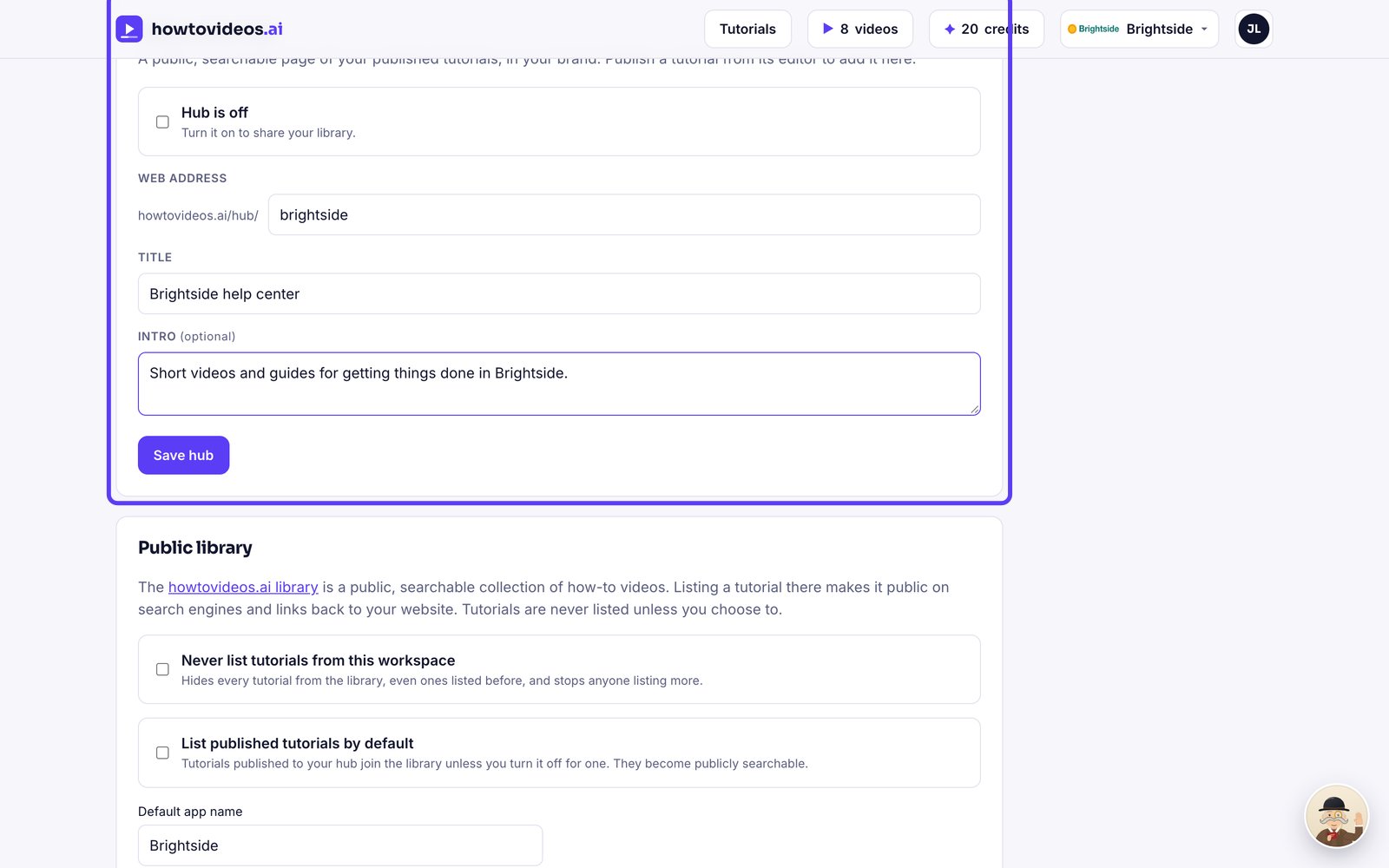
Set up your hub
In Brand and settings, find Help center hub. Choose its web address, a title and a short intro.
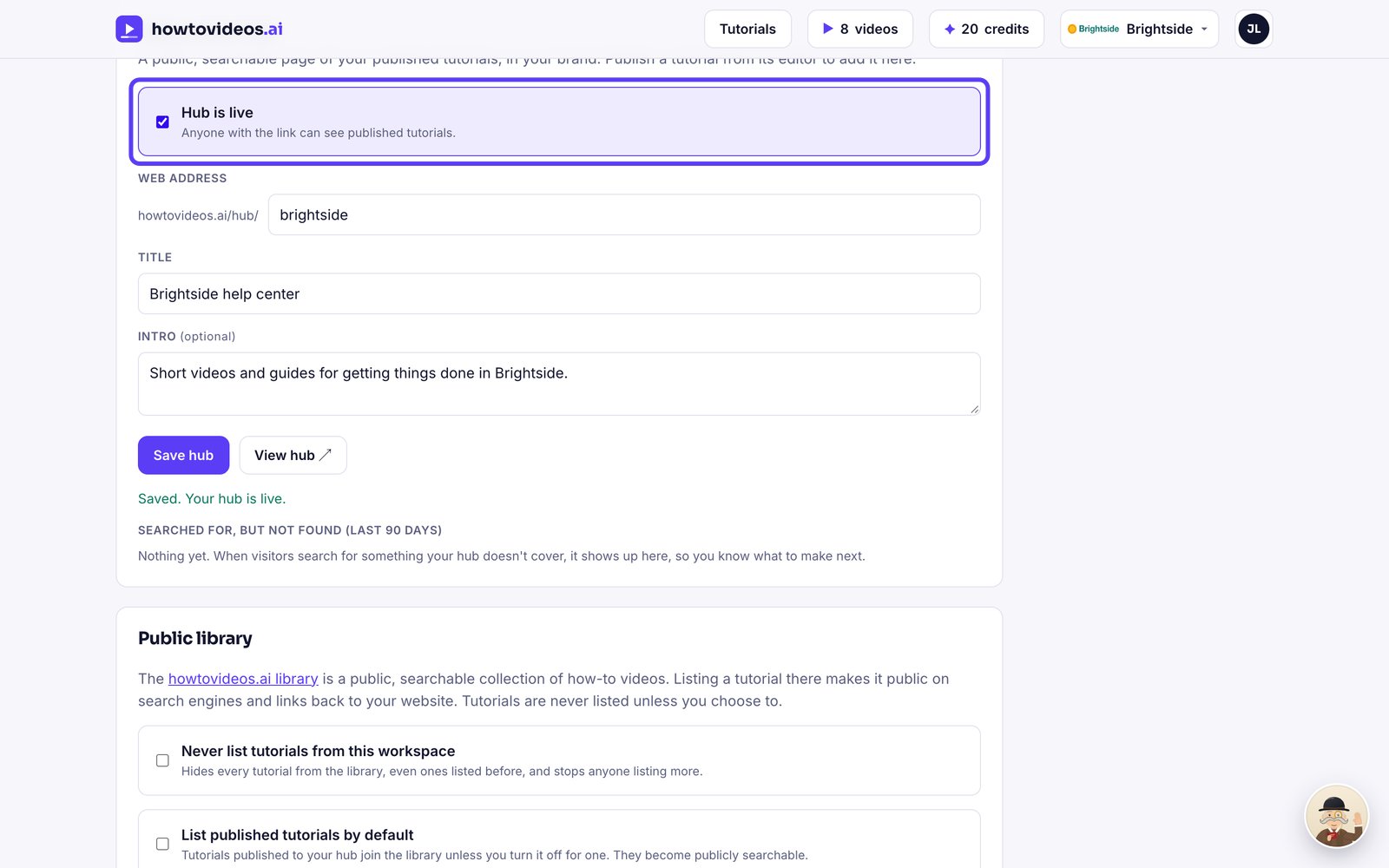
Turn it on
Tick the box to put your hub live.
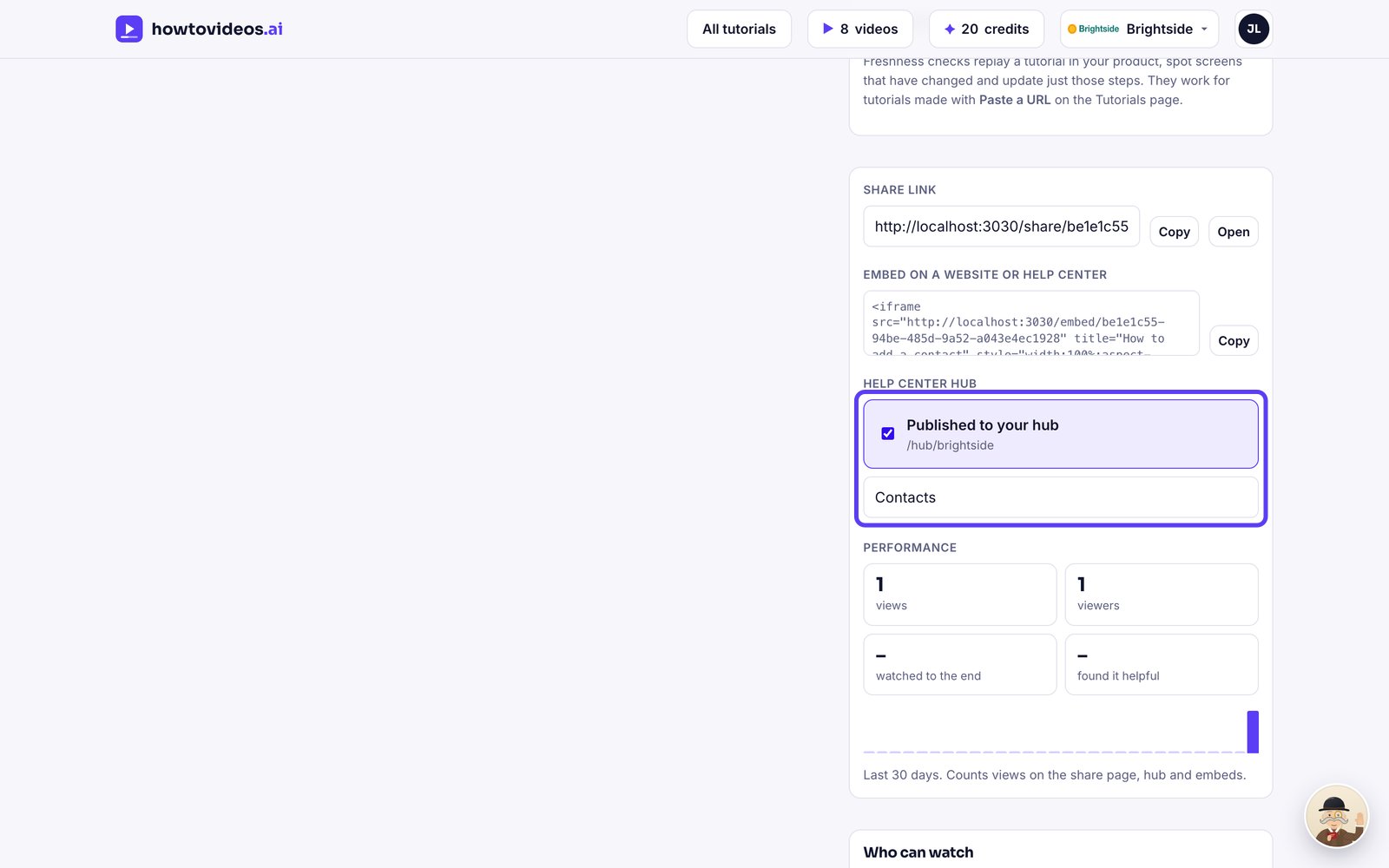
Publish tutorials to it
In each tutorial's share panel, tick Published to your hub and give it a category.
Your customers search and watch
Customers search your hub and open any tutorial. Searches that find nothing are listed in your settings, so you know what to make next.