How to change your password
Update your name or password, and sign out of other devices.
Step by step
3 steps to change your password.
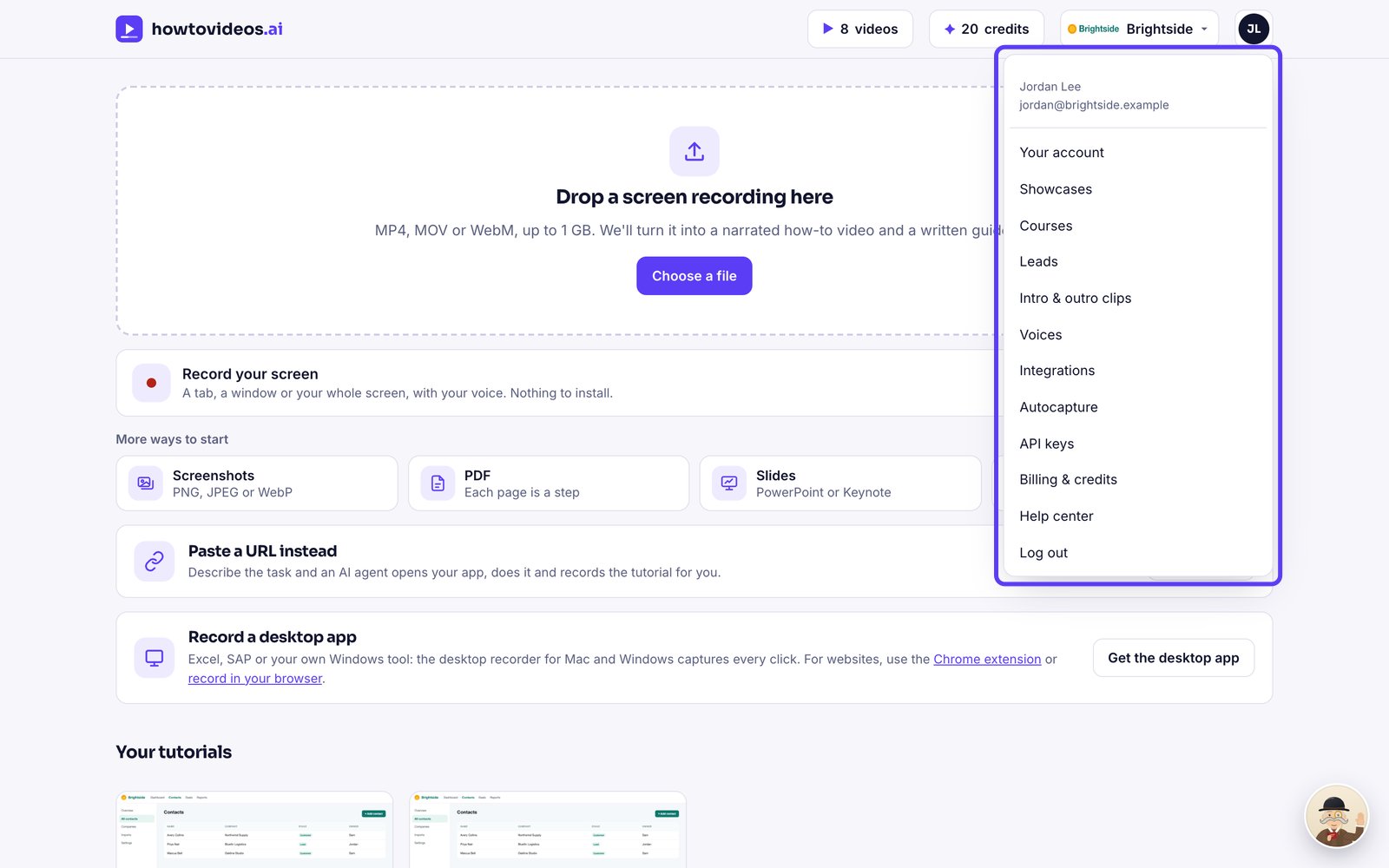
Open your account
Choose your initials at the top right, then Your account.
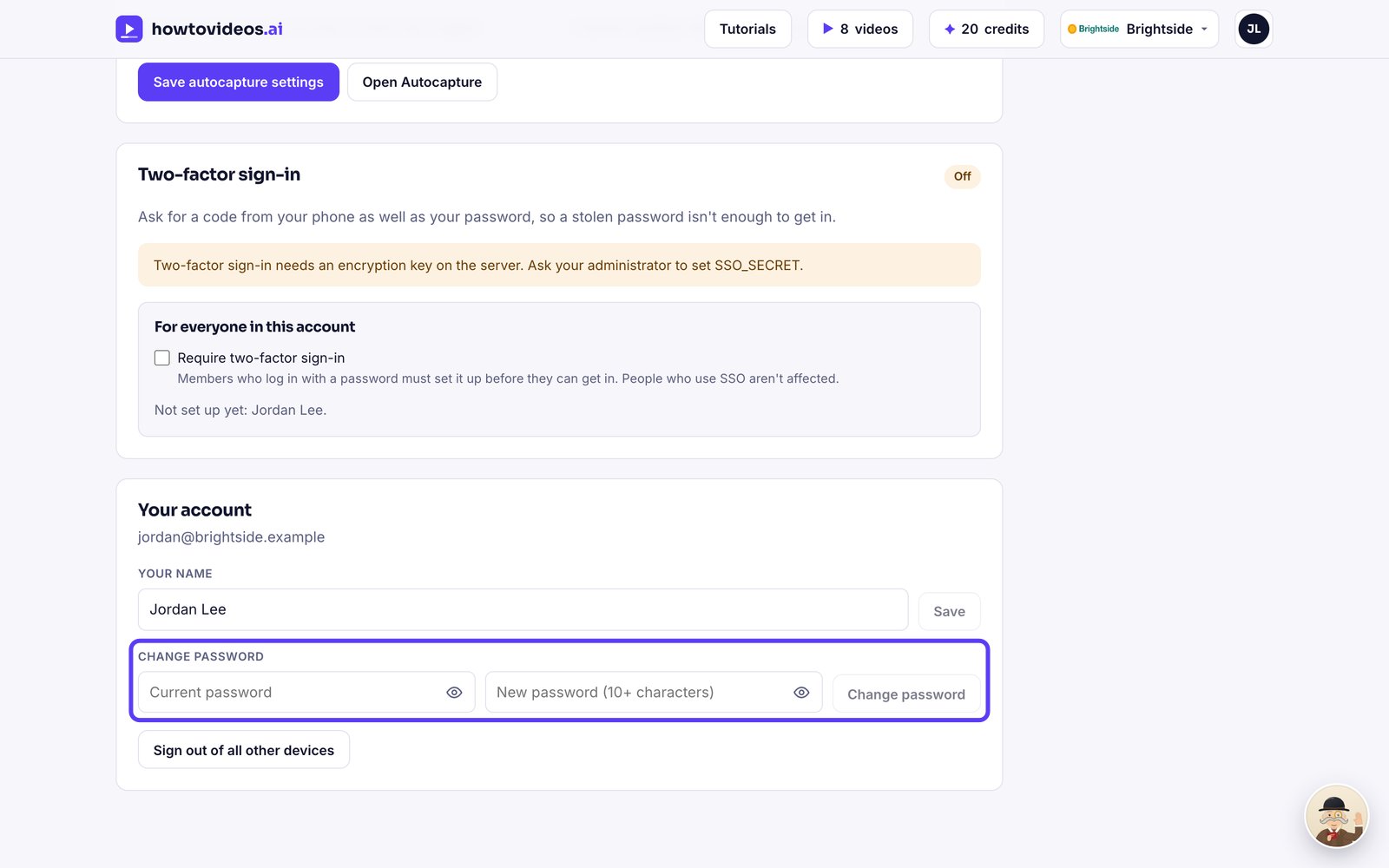
Change your password
Type your current password and a new one of at least 10 characters, then choose Change password. Other devices are signed out.
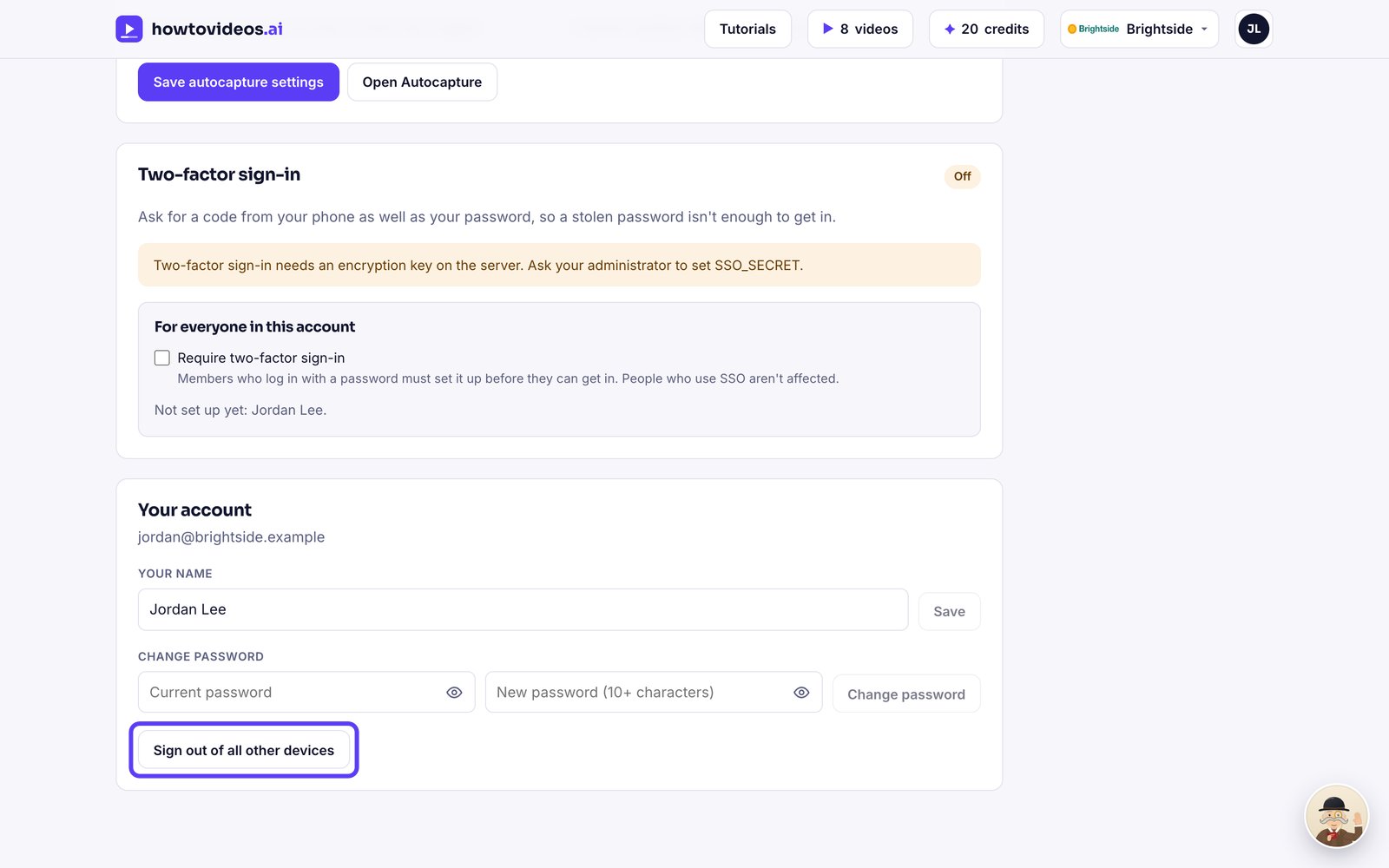
Sign out everywhere else
Lost a laptop? Choose Sign out of all other devices.