How to share and embed a tutorial
Send a link, embed the video in your help center, and see who's watching.
Step by step
4 steps to share and embed a tutorial.
Copy the share link
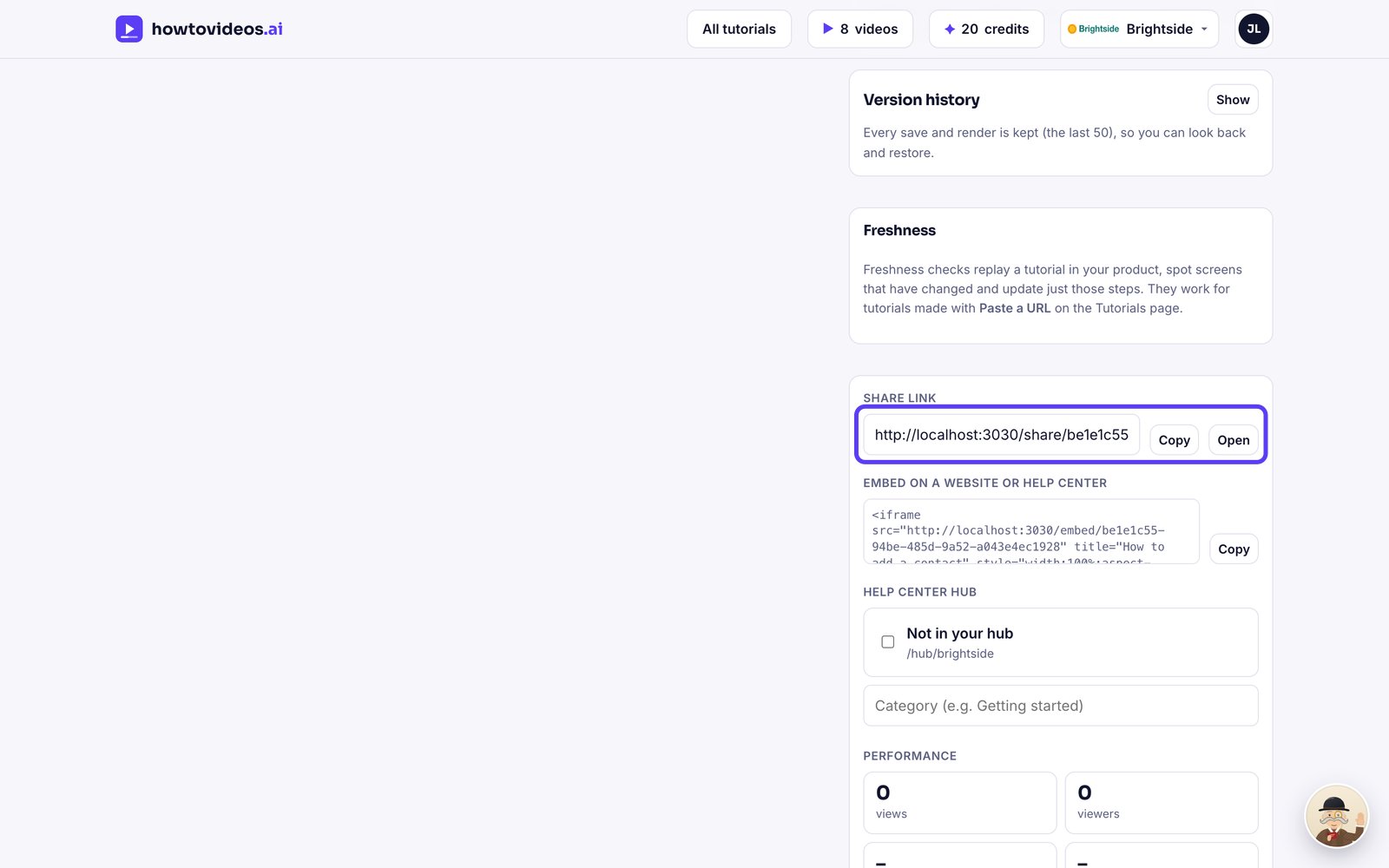
In the editor's share panel, copy the link. It opens a page with the video and the written steps, in your brand.
What viewers see
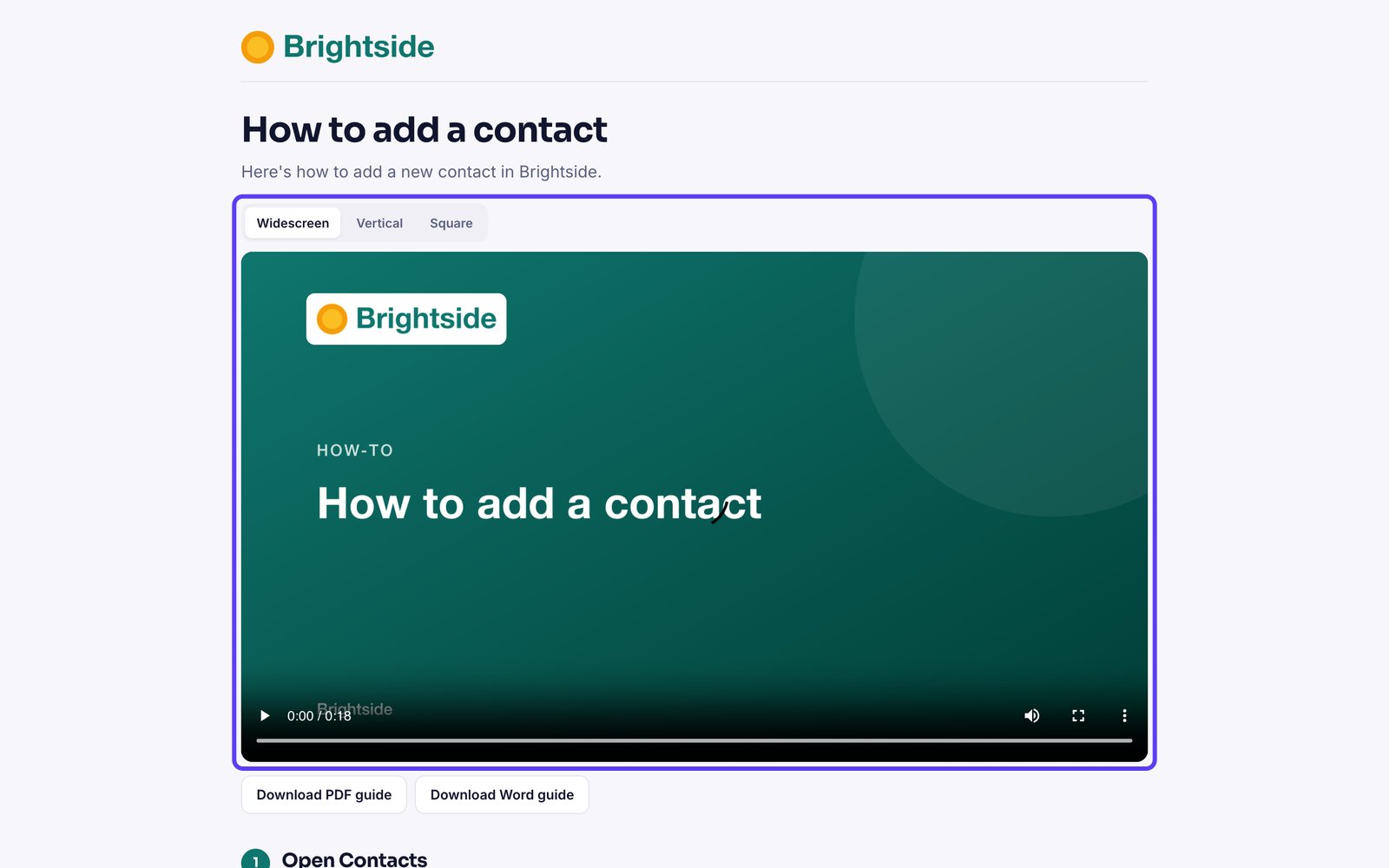
Viewers get the video, step-by-step instructions with screenshots, and PDF and Word downloads.
Embed it anywhere
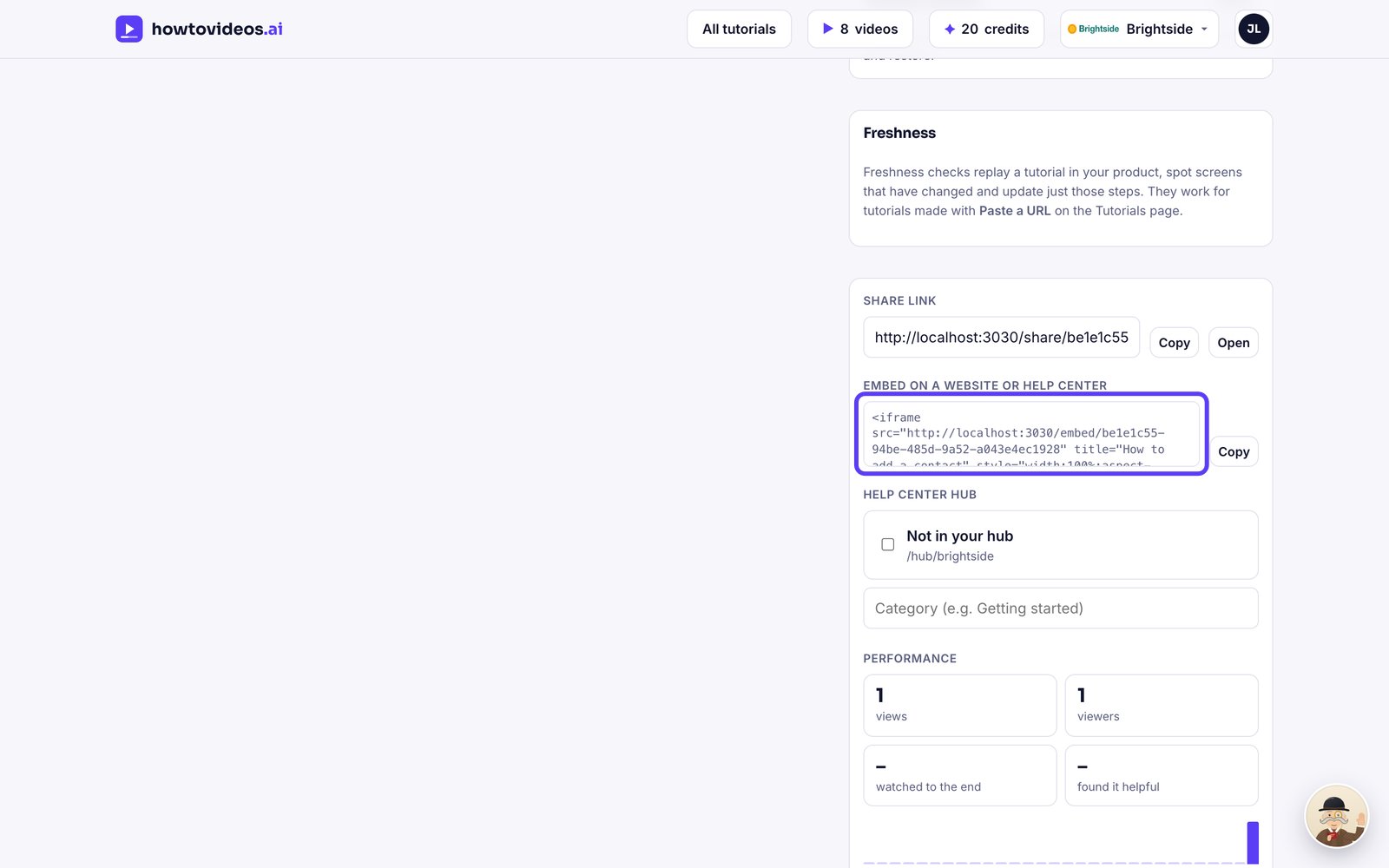
Copy the embed code and paste it into your website, Zendesk, Intercom, Notion or any page that accepts HTML.
See how it's doing
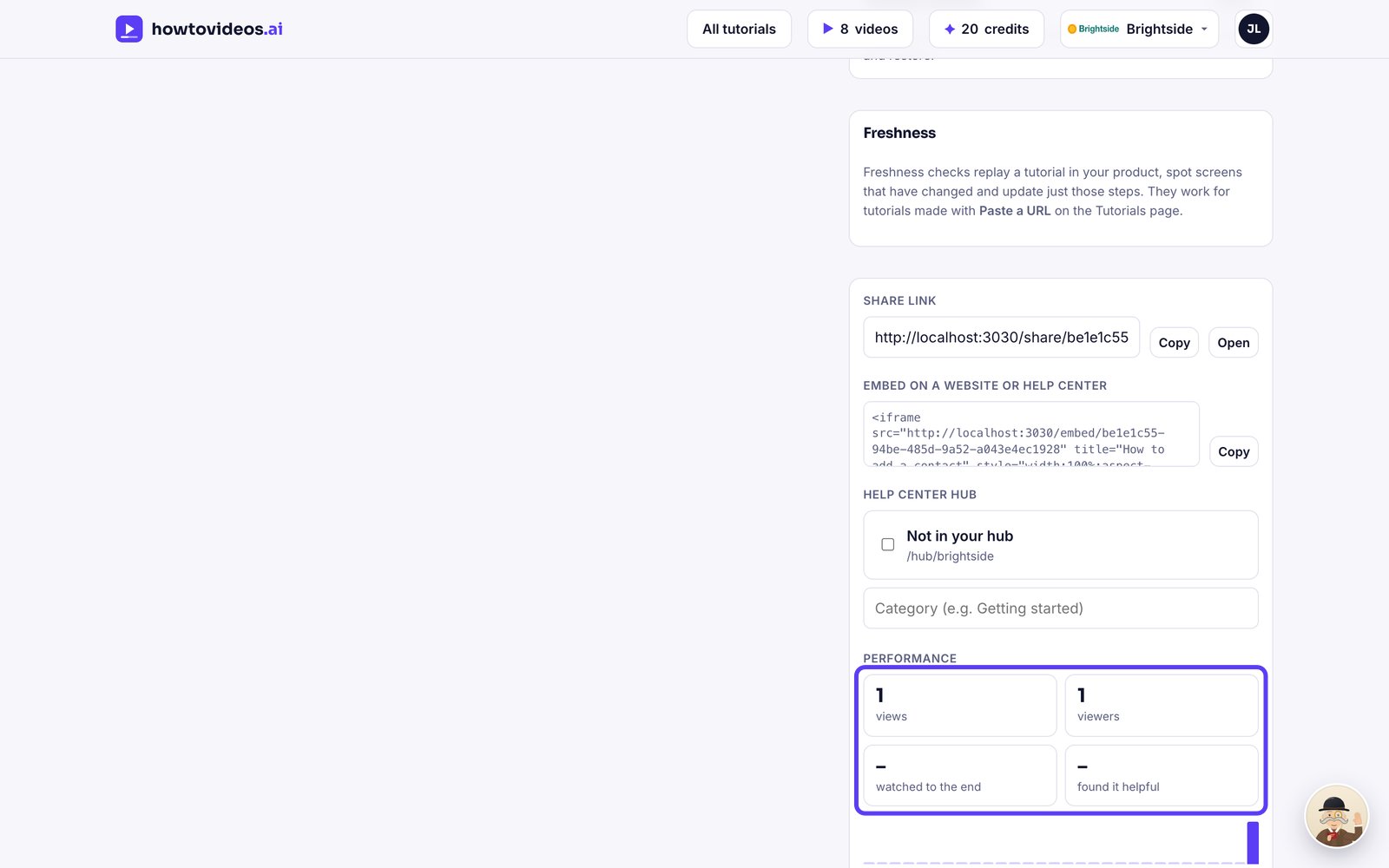
Under Performance, see views, viewers, how many watched to the end, and how many found it helpful.