Sharing
How to publish a help center
Give customers a branded, searchable library of your tutorials.
1Set up your hub
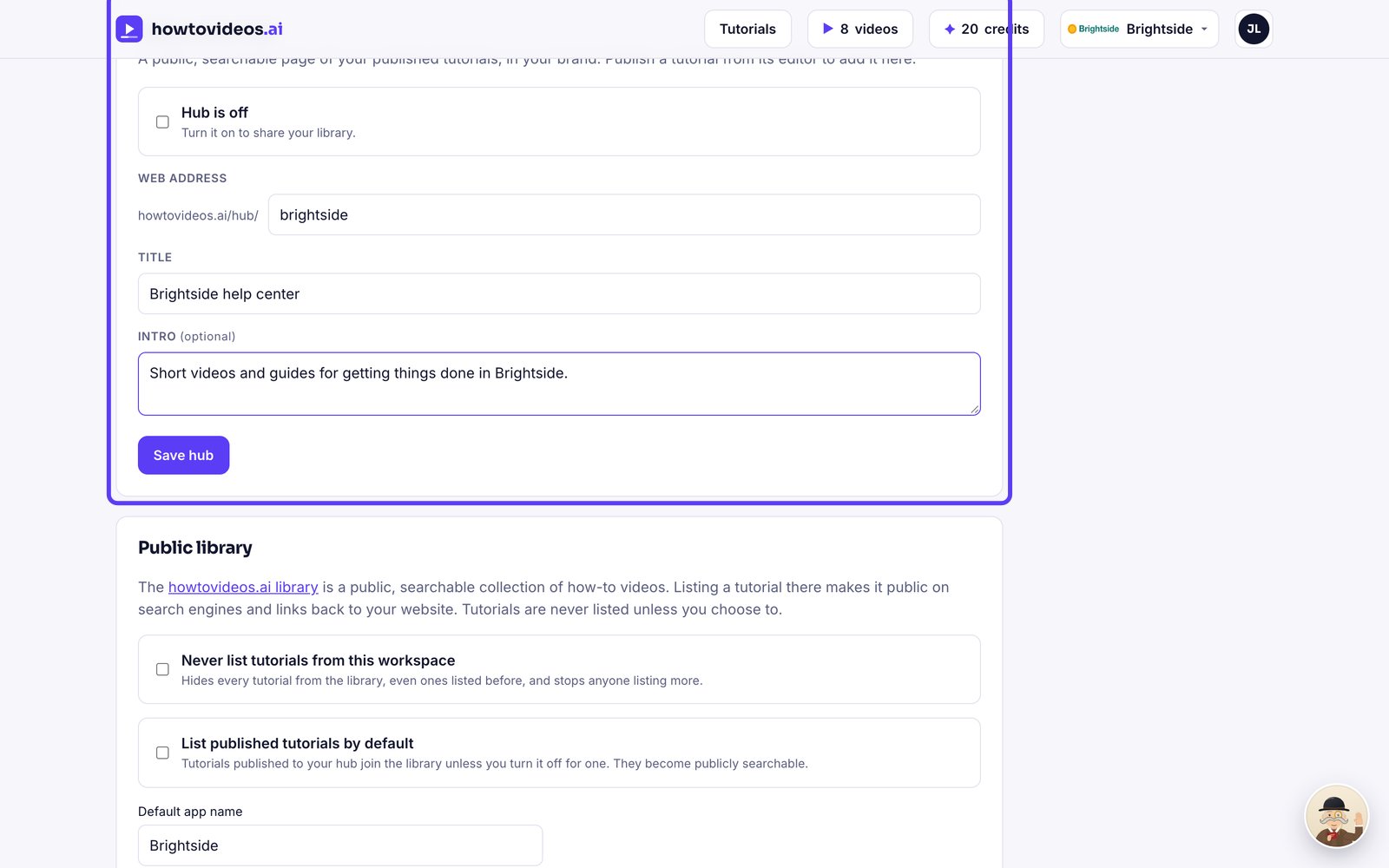
In Brand and settings, find Help center hub. Choose its web address, a title and a short intro.
2Turn it on
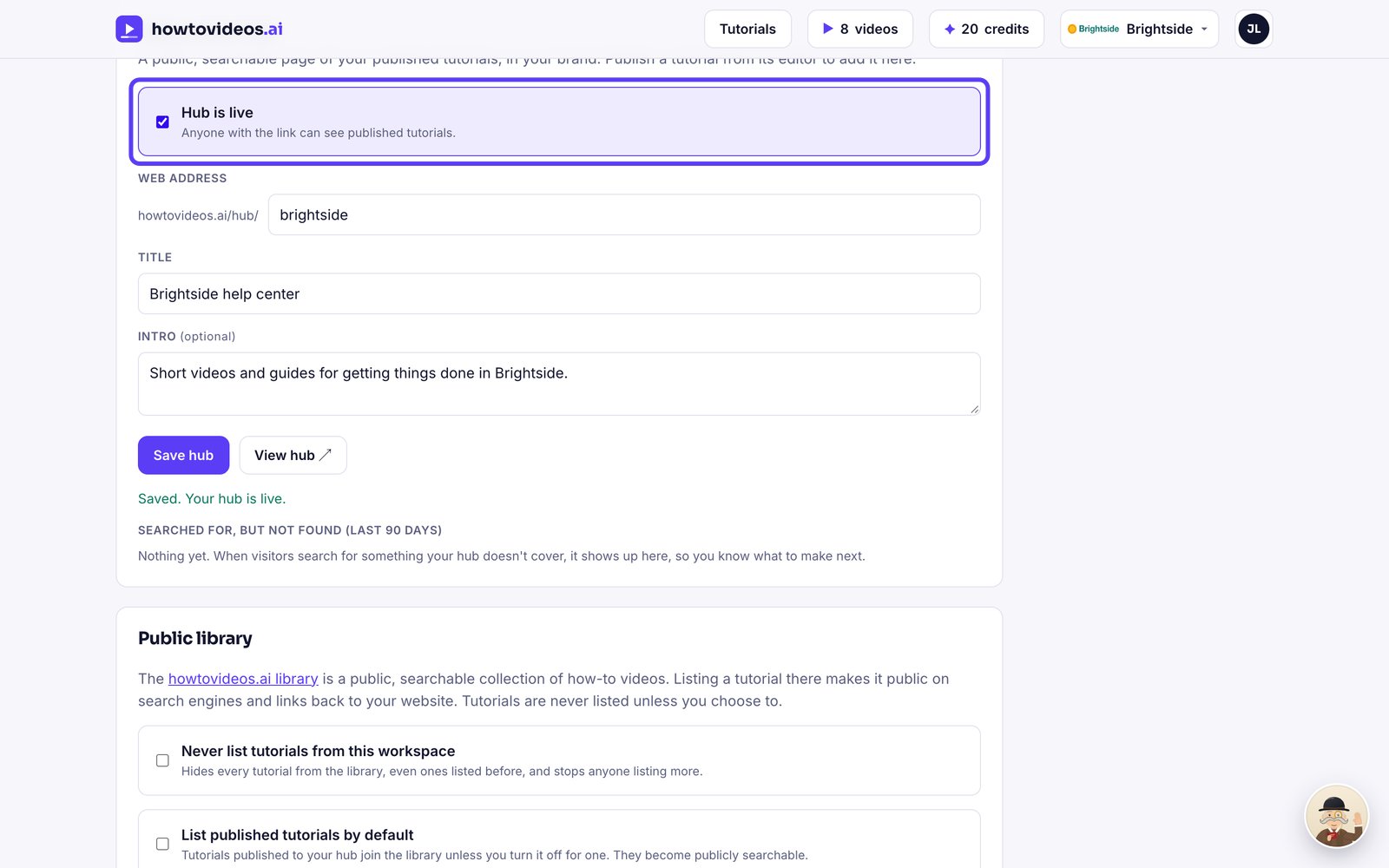
Tick the box to put your hub live.
3Publish tutorials to it
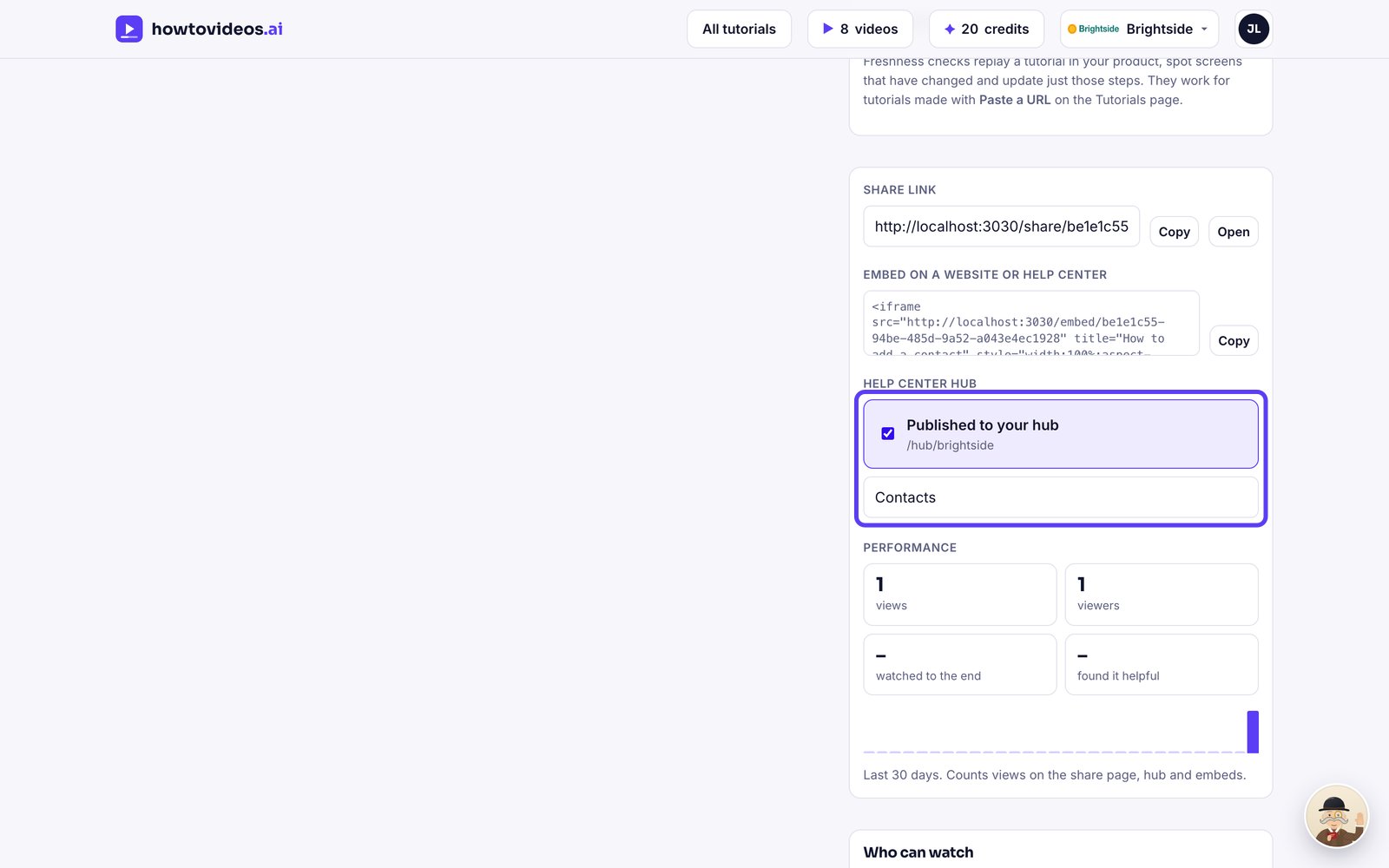
In each tutorial's share panel, tick Published to your hub and give it a category.
4Your customers search and watch
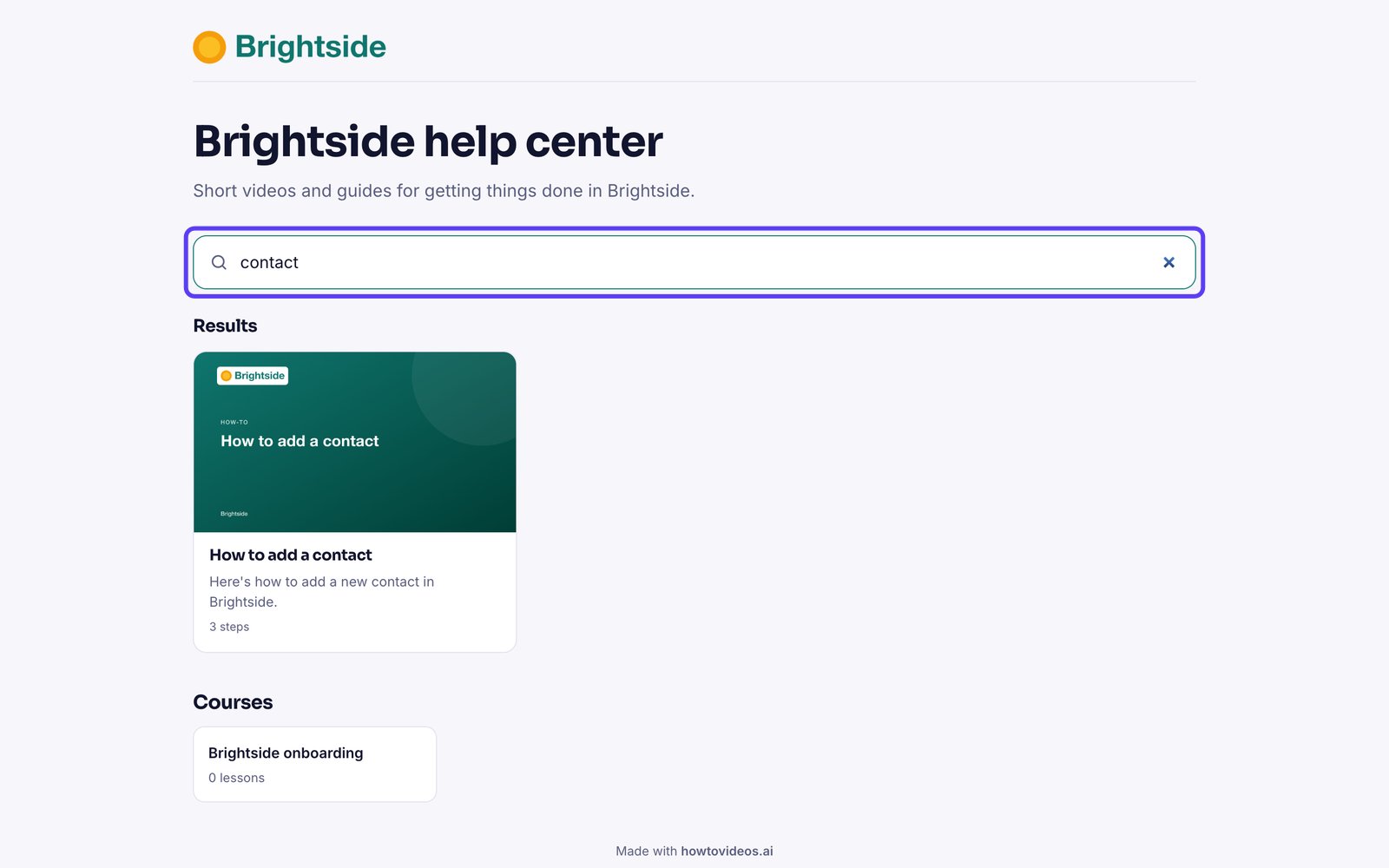
Customers search your hub and open any tutorial. Searches that find nothing are listed in your settings, so you know what to make next.
Was this helpful?