Editing
How to edit the steps and script
Change what the narrator says, rename steps, reorder them or remove one.
1Open the tutorial
Open any tutorial from your Tutorials page to edit it.
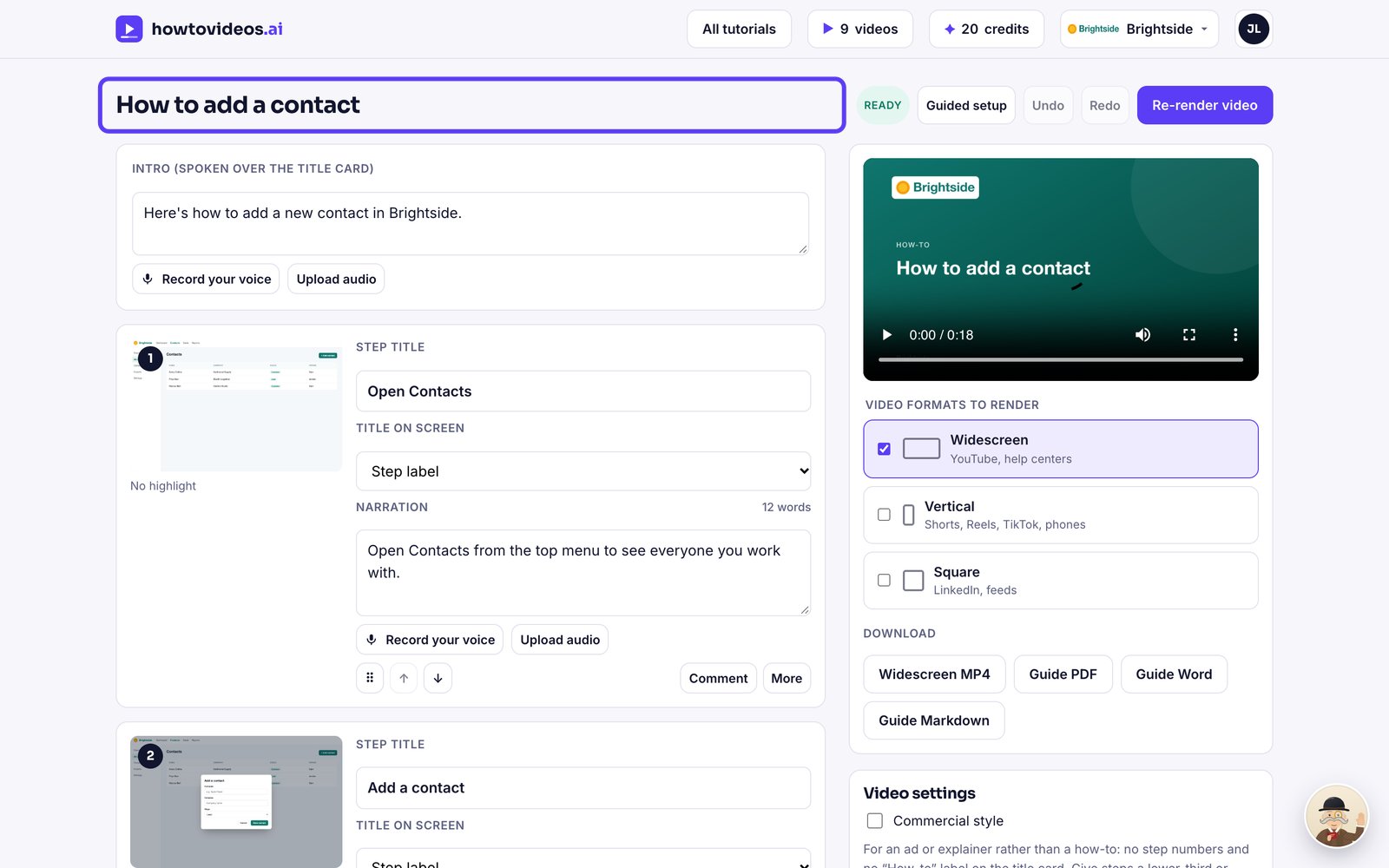
2Change the narration
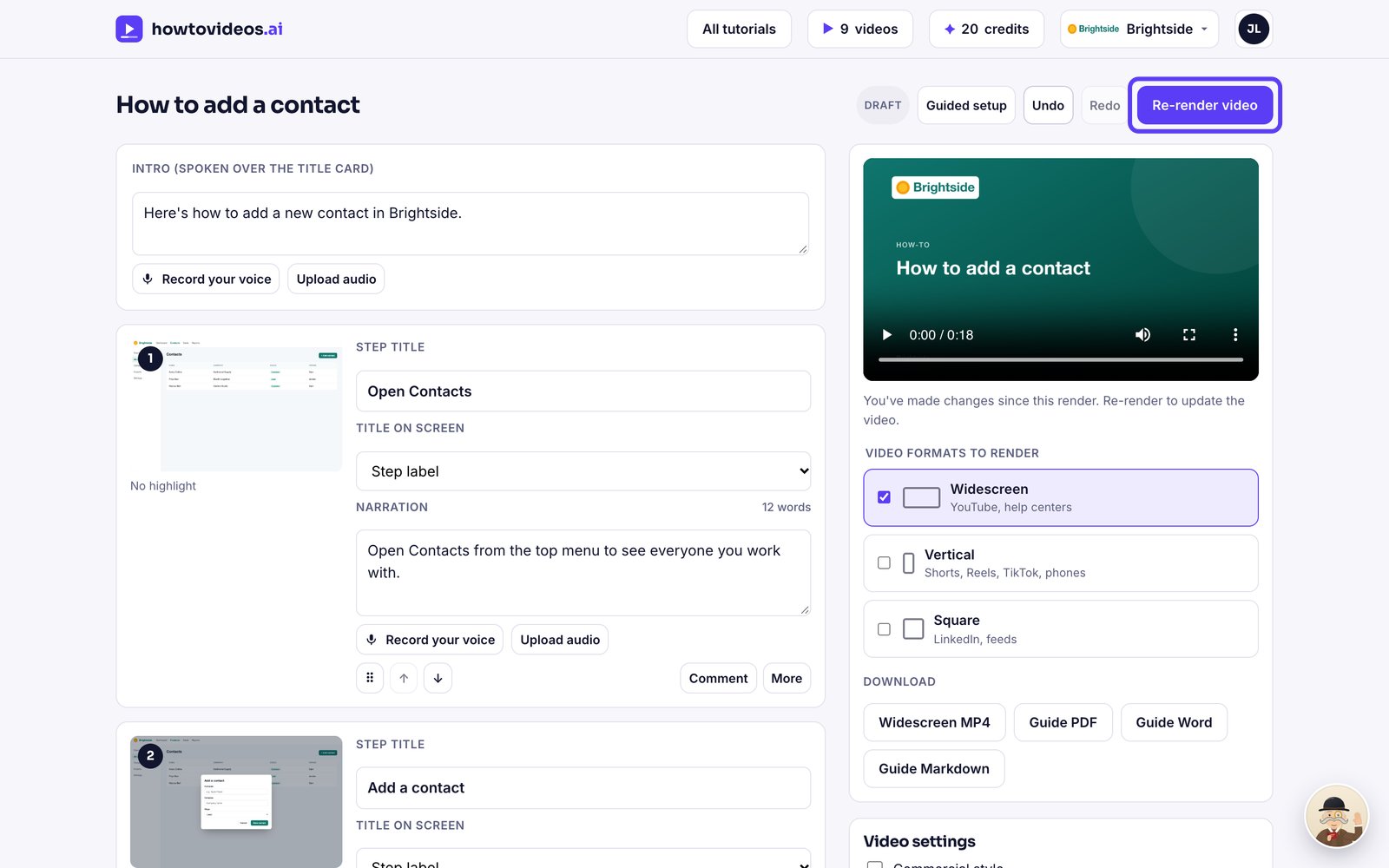
Click into a step's narration and type. This is exactly what the narrator will say.
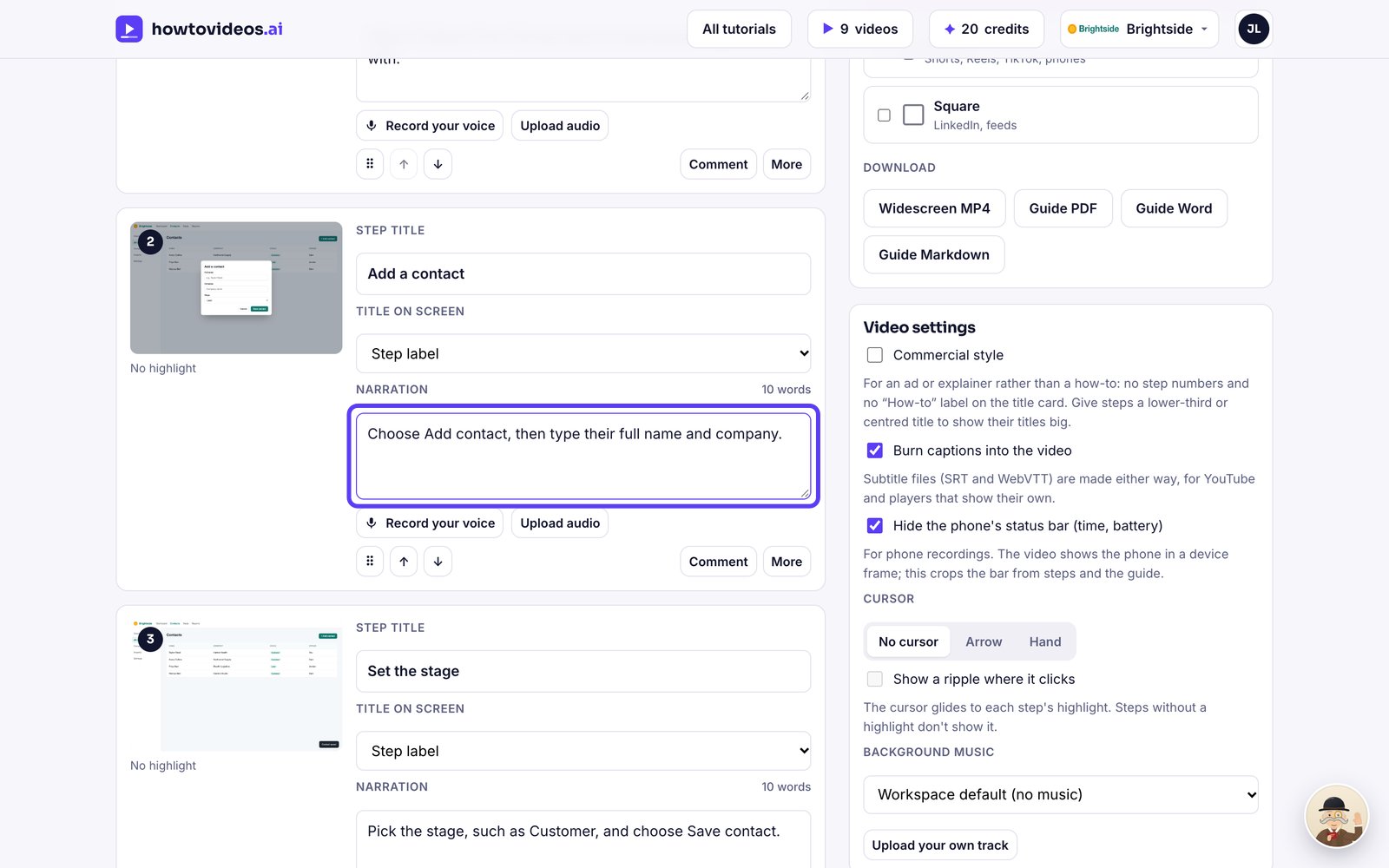
3Reorder or remove steps
Use the arrows to move a step up or down, or Remove to take it out.
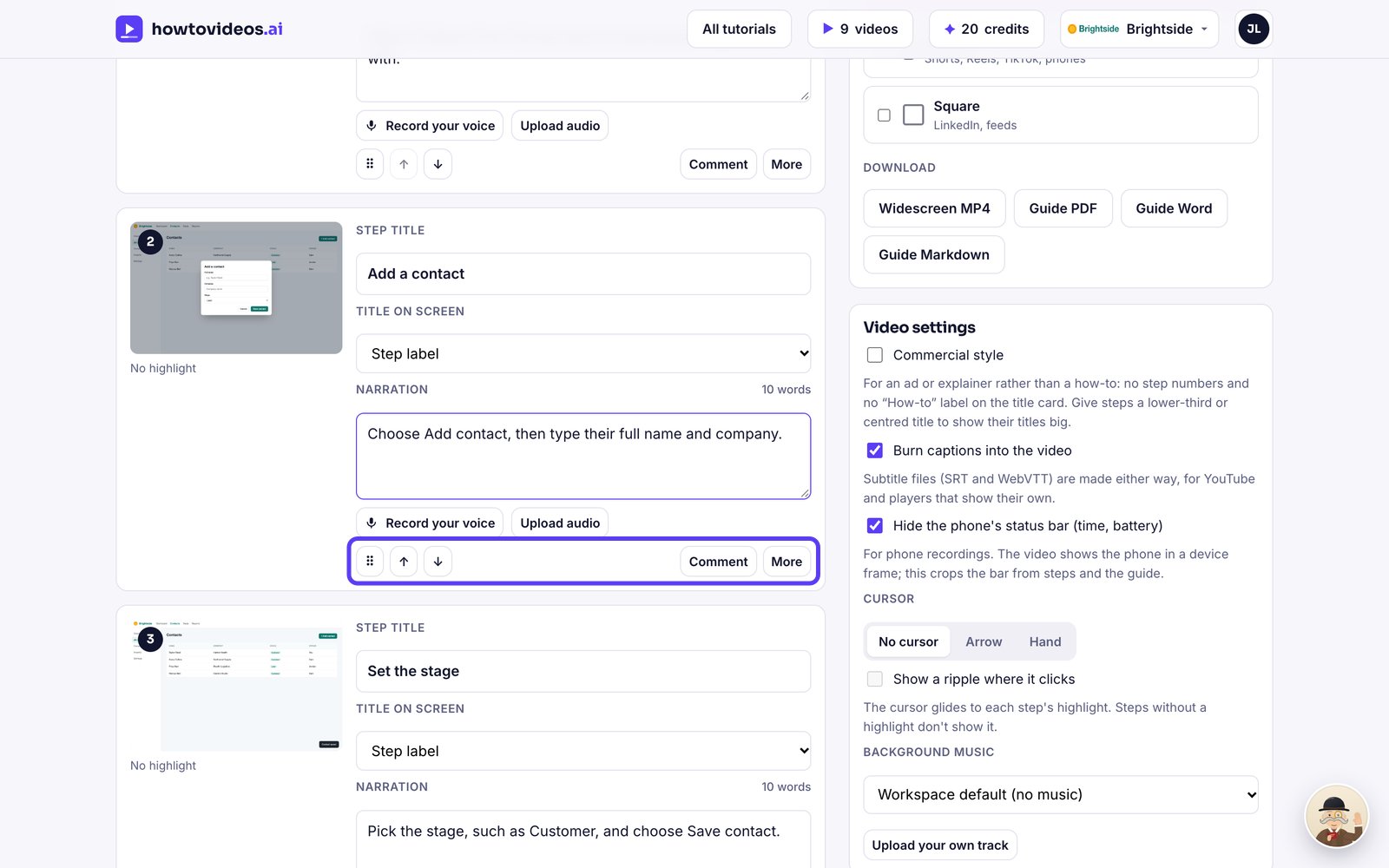
4Save your changes
Choose Save changes. The video is marked as out of date until you render it again.
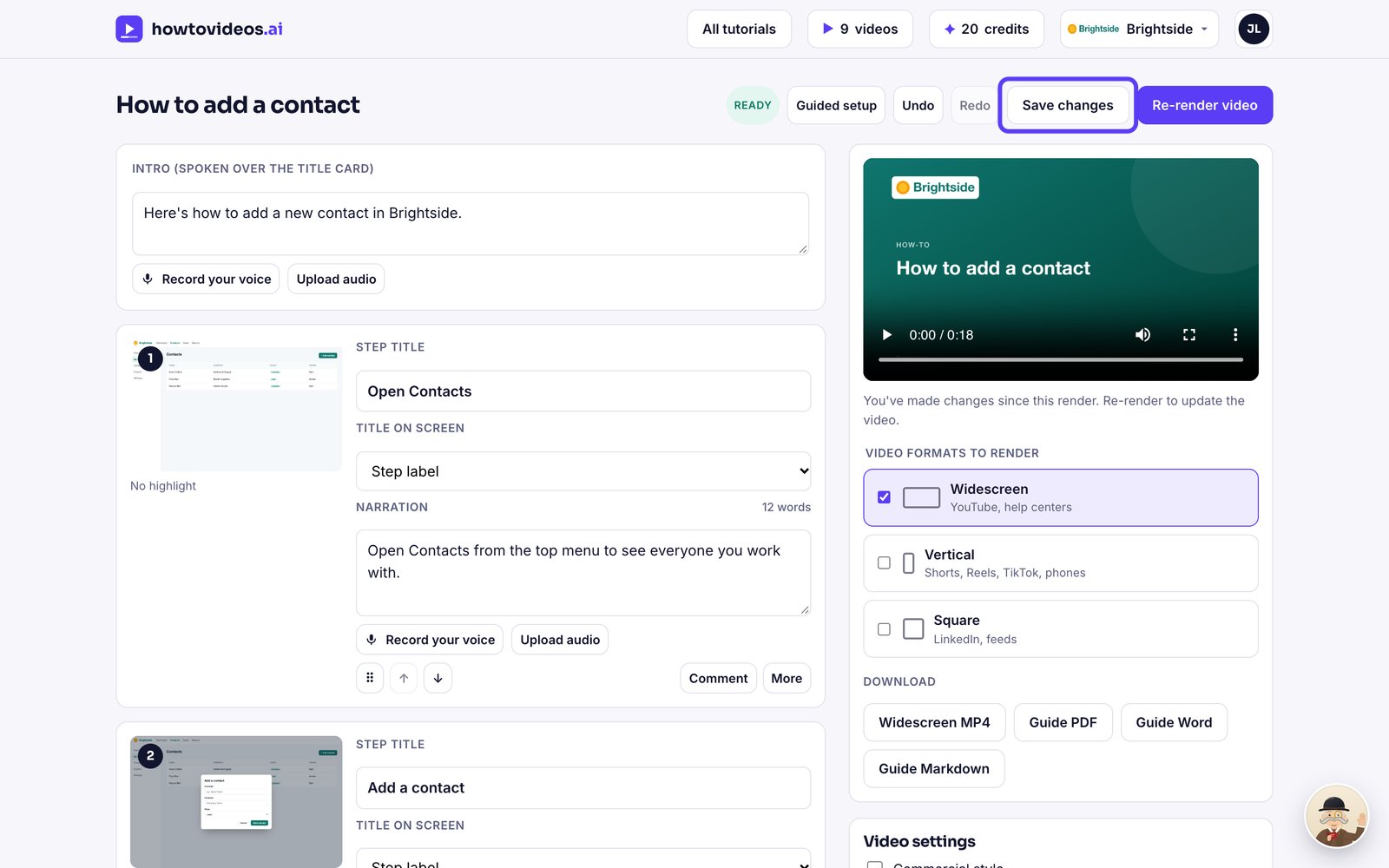
5Render again
Choose Re-render video. Lines you didn't change keep the same voice recording, so it's quick.
Was this helpful?