Branding
How to add your logo and brand colours
Put your logo and colours on every title card, highlight and share page.
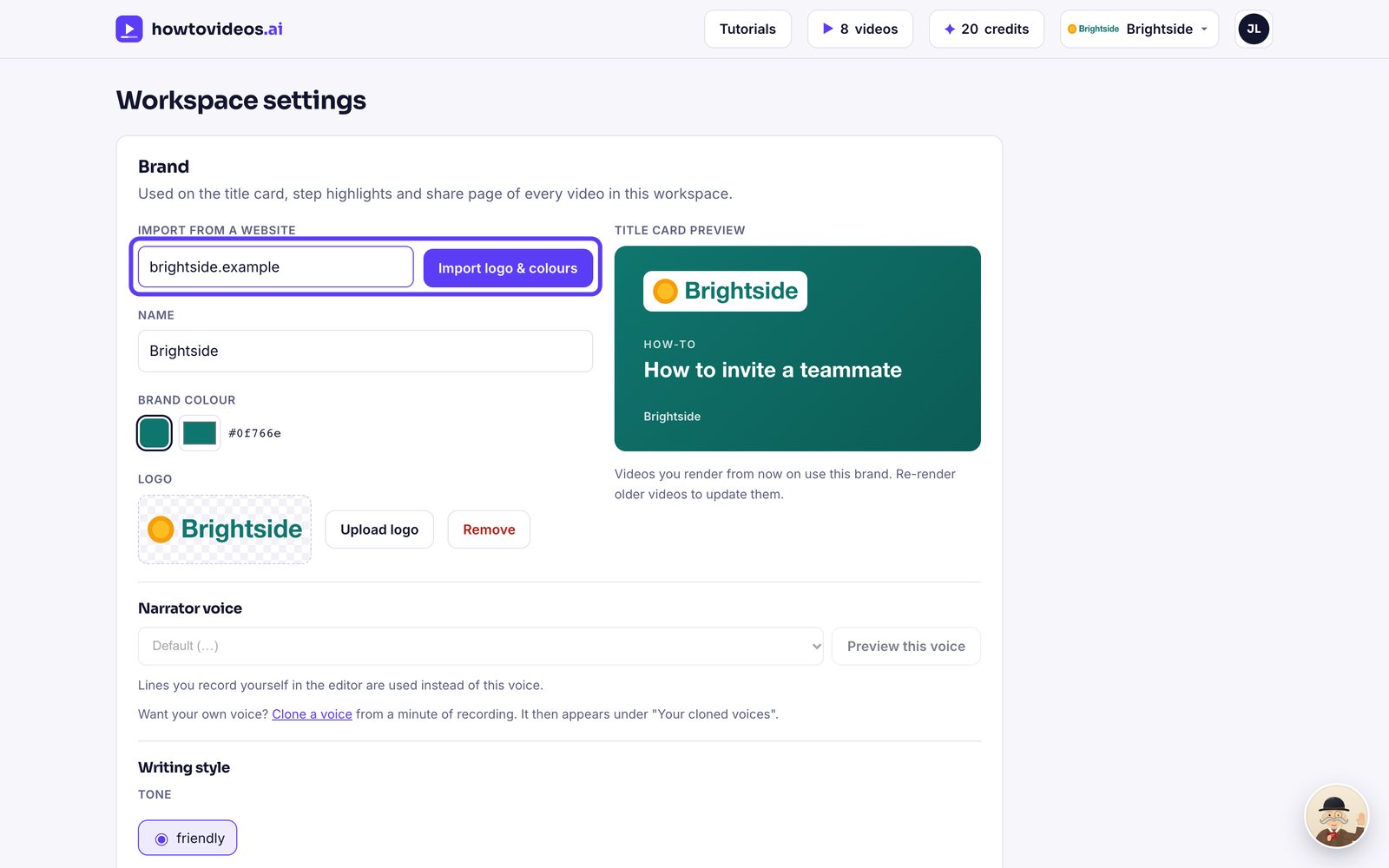
1Import from your website
Open Brand and settings, type your website and choose Import logo and colours. We find your logo and brand colours for you.
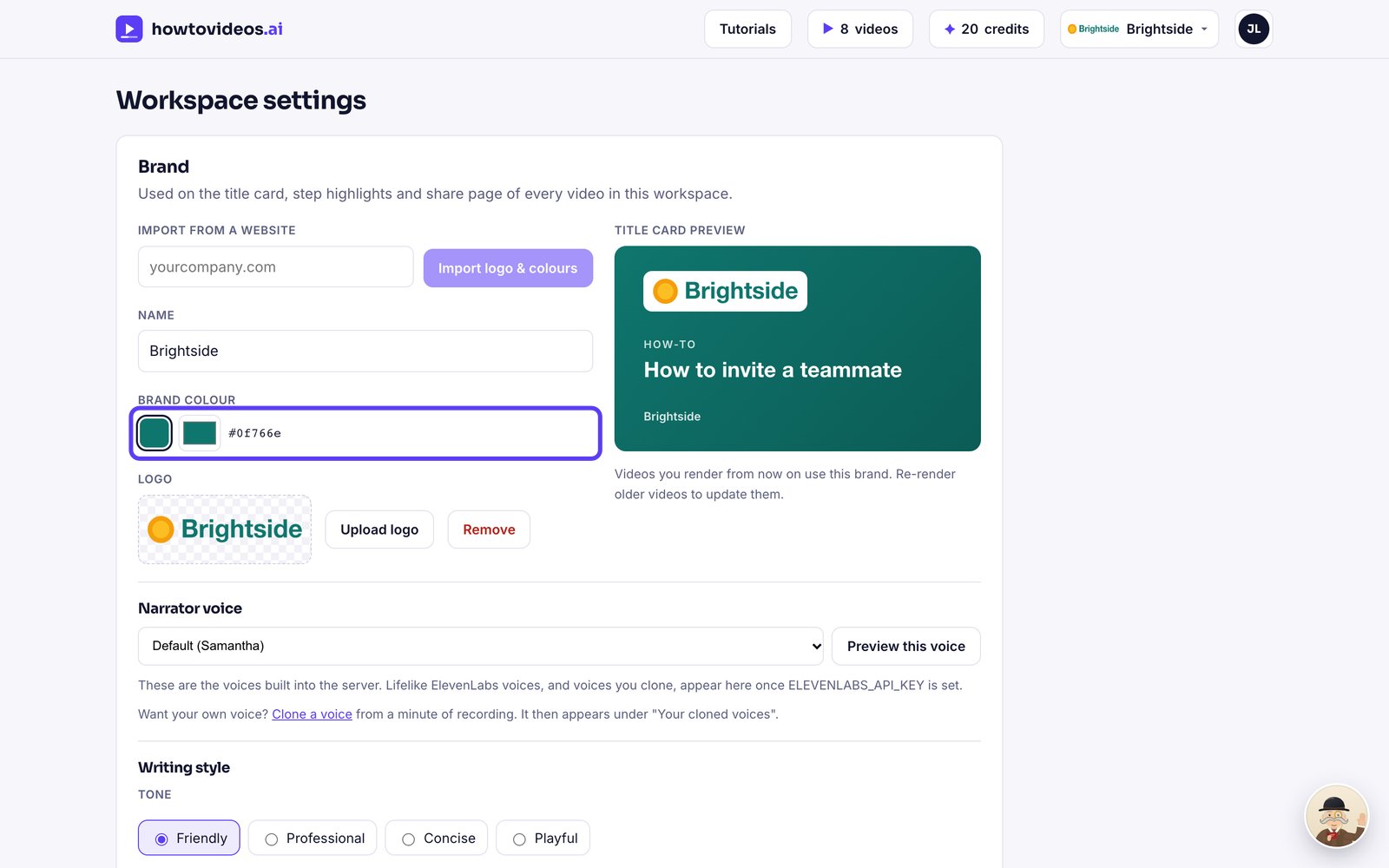
2Pick your brand colour
Choose one of the colours we found, or pick any colour you like.
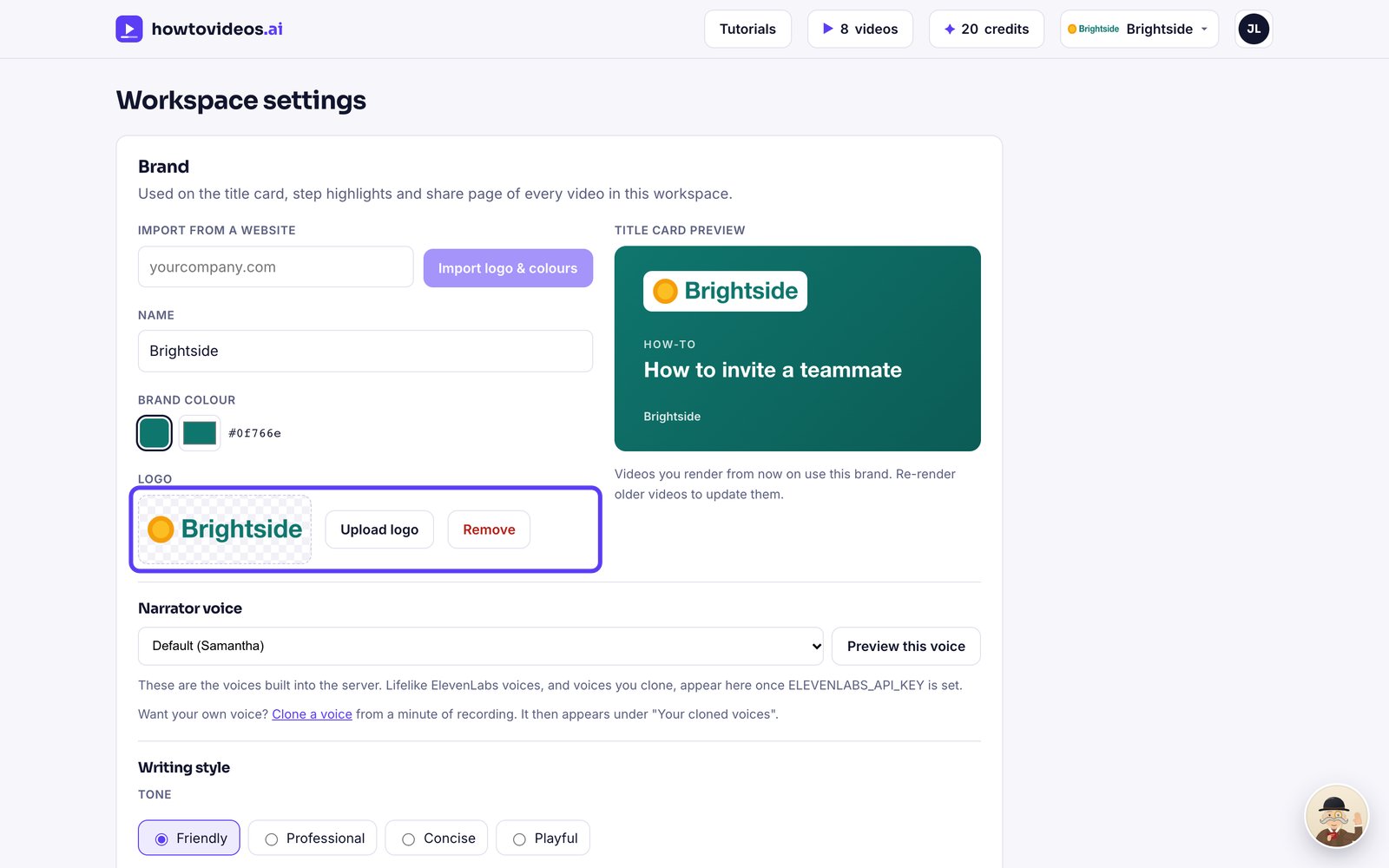
3Upload a logo if you'd rather
Prefer a different logo? Choose Upload logo. PNG, JPEG, SVG and WebP all work.
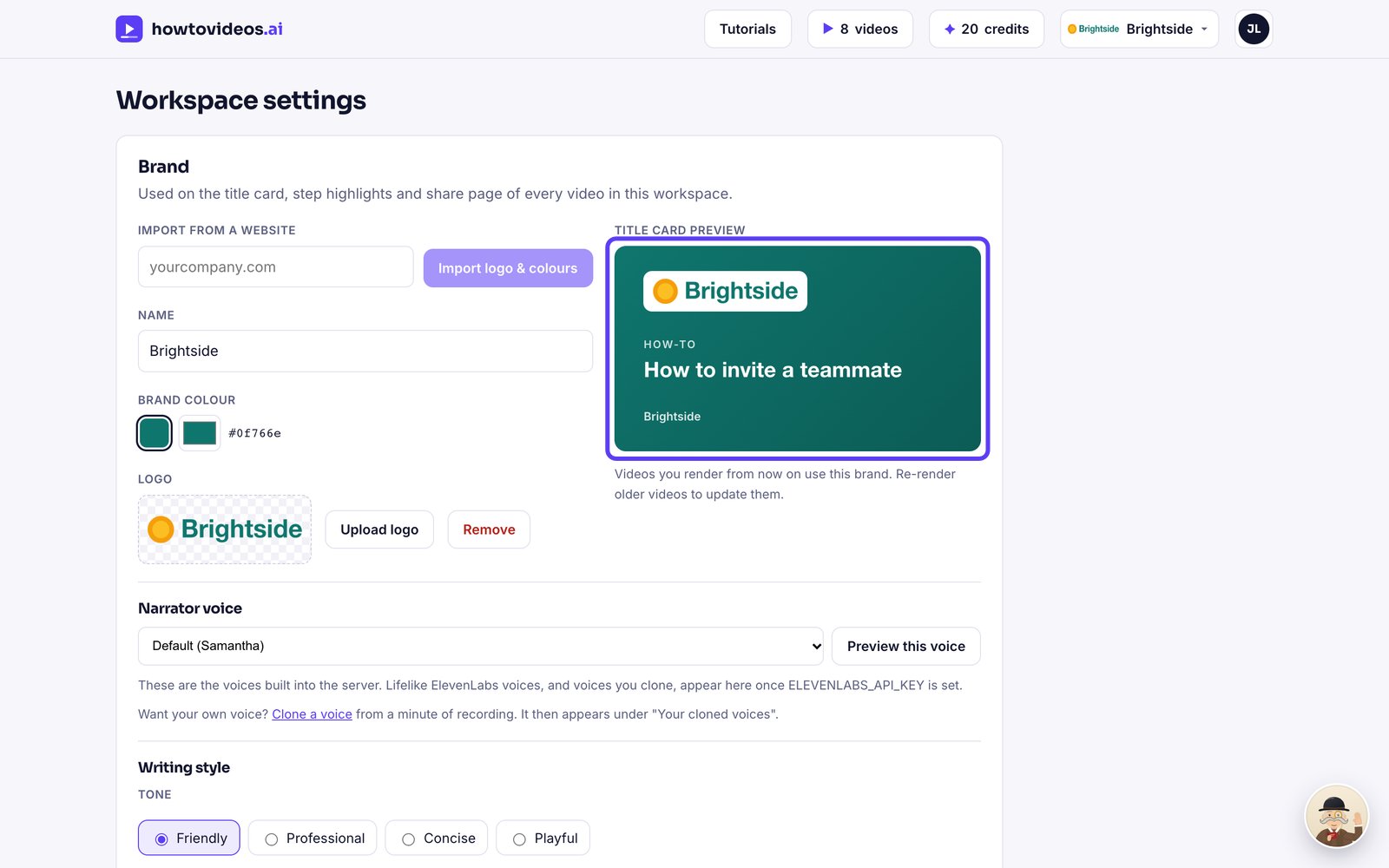
4Check the preview
The preview shows how your title cards will look. New videos use your brand automatically.
Was this helpful?