Record how-to videos right in Chrome
Open the page, press Record, do the task once. The howtovideos.ai extension records the tab and every click, and the editor opens with a narrated video, a written guide and an interactive demo already made.
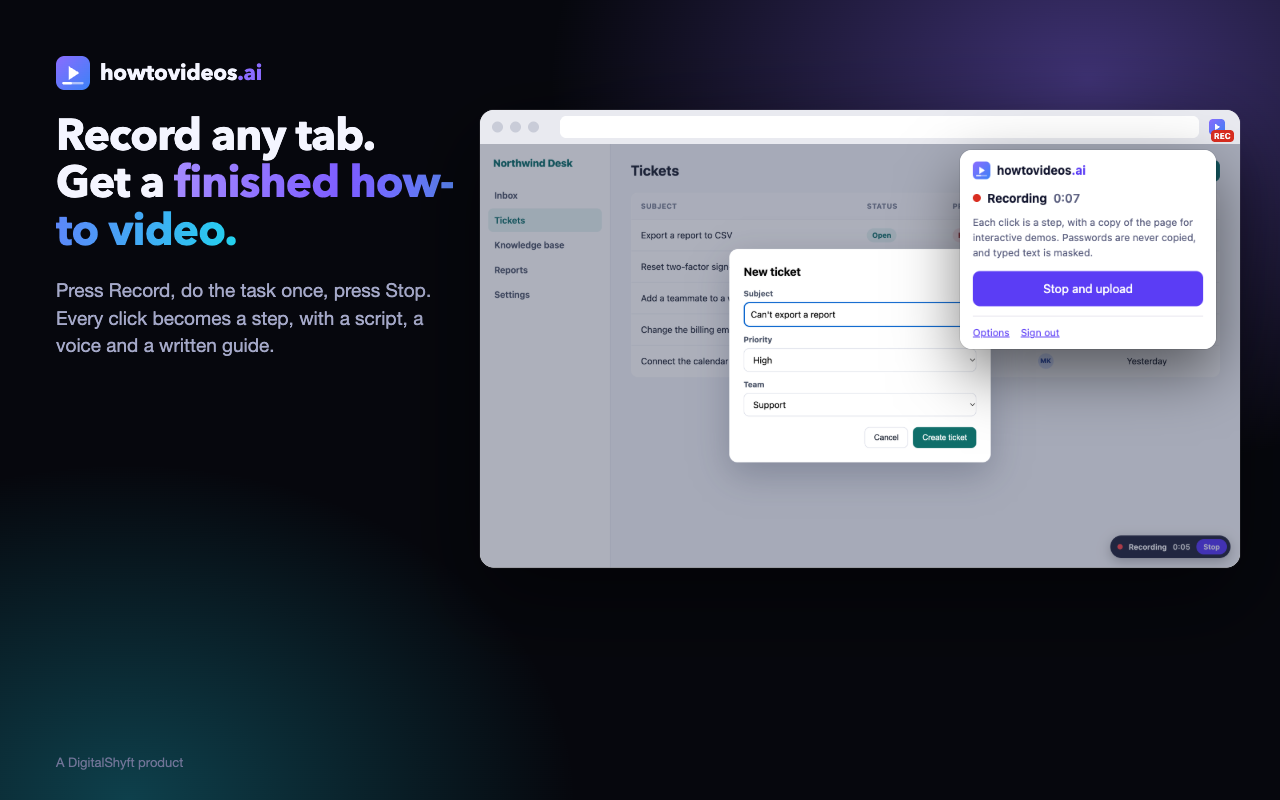
How it works
- Add the extension and click its icon.
- Press Connect to howtovideos.ai and sign in, or sign up free.
- Open the page you want to show and press Record this tab (or Alt+Shift+R).
- Do the task, then press Stop. The editor opens with your steps.
What you get
- A step for every click, zoomed to what you clicked
- A script and a natural AI voice, or your own narration
- A written guide with a screenshot per step
- An interactive demo made from copies of each page
Private by design
- Nothing is recorded until you press Record, and only that tab
- Password fields are never captured
- The click log never contains what you type
- Typed text in page copies is masked by default